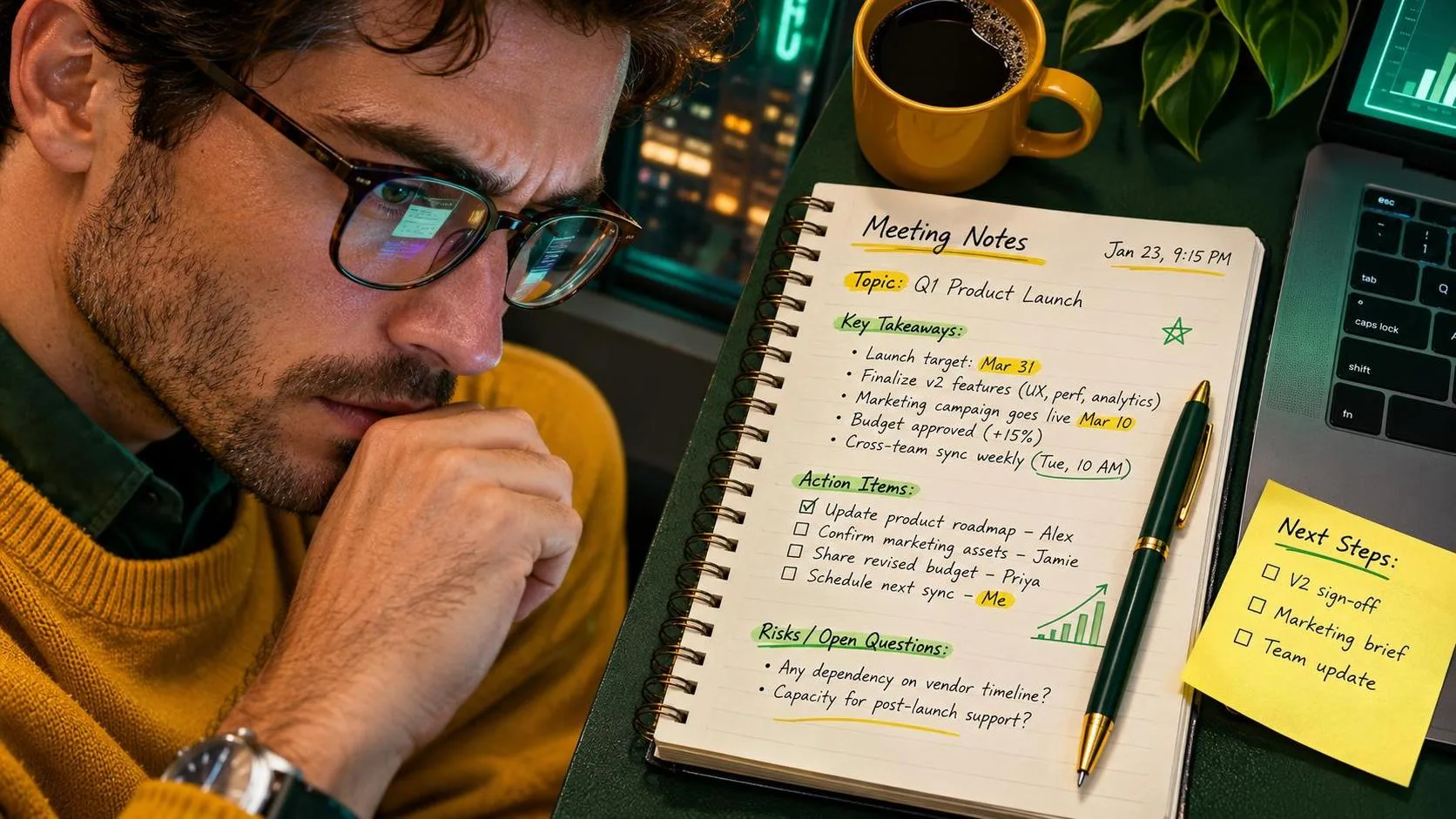
Good meeting notes tell people what was decided, who is doing what, and what still needs an answer. ChatGPT can help turn a messy scratchpad into that kind of follow-up, but it cannot reliably guess an owner or deadline that nobody mentioned. Start with notes you are allowed to share, ask for a structured draft, and check it against the original before sending it.
Start with the right raw material
You do not need a word-for-word transcript to make useful meeting notes. A few fragments are often enough: the meeting topic, decisions, possible next steps, names or role labels, dates, and questions that remained open. Capture disagreements when they affect the work, but leave out a play-by-play of every comment.
Before pasting anything into ChatGPT, check your employer’s rules and use an approved account or tool if one is required. Remove customer details, employee issues, financial figures, account numbers, and other confidential information unless your organization explicitly permits their use. Replacing names with roles can help, but a distinctive project description or combination of facts can still identify someone.
When the material is too sensitive to enter, keep it in your approved workspace and use the prompt below as a manual checklist instead. You can also ask the tool to format a fictional example, then copy the structure without sharing the real discussion.
If you are recording or transcribing a meeting, get the required permission and follow your workplace’s policy and applicable law. A transcript is useful, but it can mishear names, mix up speakers, and miss the difference between a suggestion and an agreement.
A prompt for meeting notes that does not invent details
Here is a starting prompt. Replace the final line with your own sanitized notes, and adjust the sections to fit your workplace.
“Organize the notes below into a short meeting summary with sections for decisions, action items, and open questions. For each action item, include the owner and deadline only if the notes explicitly state them. If either is missing, write ‘not specified.’ Do not turn suggestions into decisions or add facts. Flag anything ambiguous for review. Keep the wording plain and concise.
Notes: [Paste sanitized notes here.]”
The important part is not the fancy formatting. It is telling the tool what to do when the source has a hole. Without that instruction, a polished draft can make an assumption look like something the group agreed to.
For recurring meetings, add one more instruction: “Separate updates from decisions.” That keeps a status report such as “delivery dates are being reviewed” from becoming a decision that dates have changed.
See how a rough example becomes a follow-up
Suppose your fictional scratchpad says: “Website launch. Move review to Thursday? Team agreed launch date stays. Operations to send revised checklist Friday. Need answer on who approves final copy.”
A useful draft based on those notes might read:
“Decision: The launch date stays unchanged.
Action item: Operations will send a revised checklist Friday. Owner: Operations. Deadline: Friday.
Open questions: Will the review move to Thursday? Who approves the final copy?”
That example shows the shape of a good result, not a verified output from a live test. Notice what it does not do: it does not announce that the review was moved, name an individual in Operations, or invent a calendar date for Friday. If the actual meeting settled the review question after you stopped typing, you would need to add that from a reliable source.
Before sending the draft, replace relative dates with calendar dates only after checking the meeting date and intended deadline. “Friday” can become confusing when someone reads the message the following week. If you cannot confirm which Friday was meant, leave it as an open question instead of making the call yourself.
Check meeting notes before anyone acts on them
Read the draft next to the source, not just on its own. Smooth writing is easy to trust precisely when it needs a closer look. I would check these points in order:
First, compare every decision with the original. Words like “discussed,” “proposed,” and “approved” do different jobs. A suggestion belongs under an open question or next step unless the group actually agreed to it.
Second, inspect each assignment. Is the owner a person, a team, or nobody yet? Is the deadline explicit? If the source says “Operations will look into it,” do not quietly turn that into a commitment from a particular employee.

Third, check numbers, dates, and names against an authoritative record or the person responsible. A transcript or your own shorthand can be wrong before ChatGPT ever sees it. For a consequential decision, ask the meeting lead to confirm the wording rather than relying on either version alone.
Finally, remove anything the recipients do not need. A clean summary can still expose a sensitive detail if it gets forwarded beyond the intended group. Use your organization’s approved channel and follow its retention rules.
Send a follow-up people can actually use
Put the purpose and date near the top, followed by decisions, action items, and unresolved questions. For a short meeting, a few sentences may be enough. For a complicated project, group tasks by owner so each person can find their part without reading a transcript.
Add a specific request where confirmation is needed: “Can Operations confirm the checklist owner and Friday deadline?” That is more useful than asking everyone to review a vague summary. If an answer changes the plan, update the shared record so the correction does not get buried in a reply thread.
Keep the original meeting notes in the approved location until the summary has been checked and any required retention period is clear. The draft is a convenience, not a replacement for the source.
The time savings will depend on the length and condition of your notes. To find out whether the workflow earns its place, time one ordinary summary by hand and compare it with a similar one drafted and checked with the tool. Include the privacy cleanup and review time. If the checking takes longer than writing the follow-up yourself, skip the extra step. Useful beats impressive.