
Three hours is a specific number, and I want to be honest about where it came from.
I tracked it. For six weeks, I logged how long I spent cleaning up meeting notes each week—before and after I changed how I did it. The "before" number averaged a little over four hours across a typical week. The "after" number averaged about an hour and fifteen minutes.
That's roughly three hours back. Not in one dramatic block. In twenty-minute pieces scattered across Tuesday, Wednesday, and Thursday.
I'm telling you about the tracking because I get skeptical when people say a workflow "saved them hours" without any evidence. I didn't want to be that person. So I kept a log, and this post is what the log says.
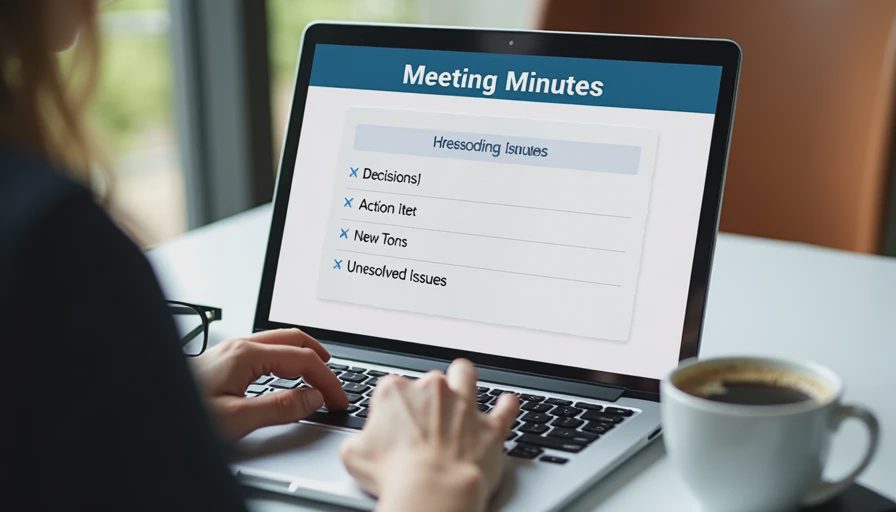
What "Meeting-Note Cleanup" Actually Means
First, let me define the job, because it's not one task.
At my company, I sit in on a lot of meetings. Project syncs, vendor calls, internal check-ins, the occasional all-hands. Most of them produce notes that need to become something—an action list, a follow-up email, a summary for someone who wasn't there, a decision record.
The cleanup work breaks down into four parts:
Turning raw notes into structured items — decisions, actions, open questions
Sending the follow-up email — usually to the meeting attendees
Logging decisions somewhere findable — so we're not re-deciding the same thing in six weeks
Prepping for the next meeting — reviewing what was outstanding from last time
Before the workflow, I was doing all four manually, and mostly in a rush. The result was predictable: decent action lists, terrible decision records, and a follow-up email that sometimes went out Thursday instead of Tuesday.
What Changed
Four changes. None of them are clever. All of them are the kind of thing I should have figured out years ago.
Change One: One Prompt, Four Sections, Every Time
I stopped writing a custom prompt for each meeting. Now I use the same one—the four-section decision prompt I wrote about in my meeting-notes post—for every single meeting.
"Turn these raw notes into four sections: Decisions Made, Action Items (with owners and deadlines), Open Questions, and Parking Lot. Do not invent names, dates, or deadlines. If something is unclear, flag it instead of guessing."
Same prompt, every time. This matters more than it sounds like it should.
The reason is that consistency lets me build a habit around the review step, not the prompt step. I no longer spend mental energy figuring out how to ask. I spend it checking the output, which is where the value is.
Change Two: The Two-Minute Cap
This is the change that saved the most time, and it's almost embarrassingly simple.
I cap the notes at two minutes of cleanup per meeting.
If a meeting produces notes that need more than two minutes of cleaning, that's a signal about the meeting—not the notes. Either I didn't capture enough, or the meeting was too unstructured to produce clean items.
When I hit the cap, I stop cleaning and send a short message instead: "Here's what I captured—does this match your understanding?" That does two things. It gets the record straight without me guessing. And it signals that better-structured meetings produce faster follow-ups.
I hit the cap maybe twice a month. Before, I would have spent twenty minutes trying to reconstruct what people meant.
Change Three: Follow-Up Email Within One Hour
This one is a rule, not a technique.
The follow-up email goes out within an hour of the meeting ending, or it goes out the next morning, but never later than that.
The reason is simple: context decays. If I wait until Thursday to send Tuesday's follow-up, I'm writing from notes alone, without any memory of the conversation. The notes are the skeleton—the memory is what fills in the gaps.
Sending within an hour means I catch problems while I still remember them. It also means attendees get the record while they still remember, so corrections come back fast.
Change Four: One Decision Log
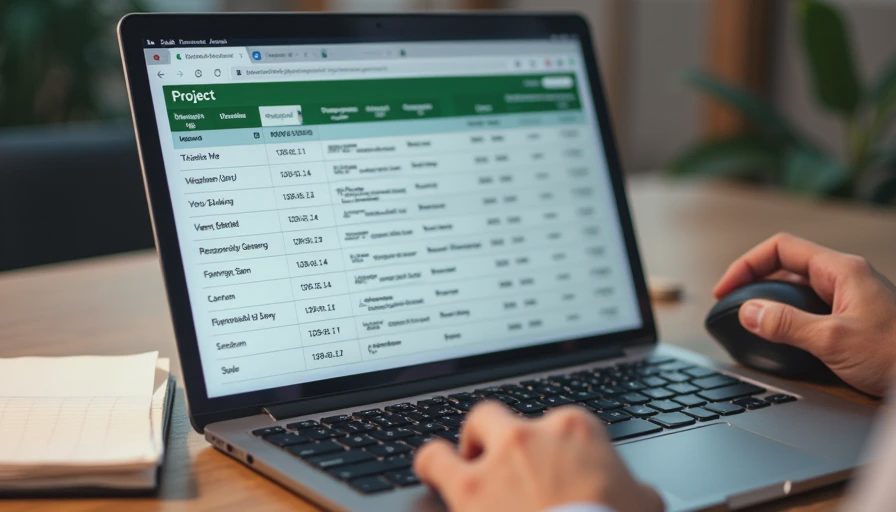
Every decision from every meeting goes into a single document. Not per-project. Not per-team. One file.
Format is dead simple:
Date | Meeting | Decision | Owner | Status |
|---|
That's it. I add rows as I process notes.
This is the change I'd recommend to anyone, regardless of whether they use ChatGPT. Before the log, we re-litigated decisions constantly. Someone would raise something in March that had already been settled in January, and nobody could find the record.
Now I can search the log and say, "We decided this on January 14th—here's the row." It ends conversations in thirty seconds.
The Test Card
Task: Process meeting notes into action lists, follow-up emails, and a searchable decision record.
Prompt or workflow: One consistent four-section prompt, a two-minute cleanup cap, follow-up within one hour, and a single shared decision log.
Starting conditions: Multiple meetings per week producing unstructured notes, no consistent decision record, follow-ups often delayed by days.
Time before: Logged average of about 4 hours per week across all meetings—cleanup, email drafting, searching for past decisions, and re-discussing settled items.
Time after: Logged average of about 1 hour 15 minutes per week. Roughly 2 hours 45 minutes saved, which I round to three hours.
Editing required: Light. Same prompt every time means the output format is predictable, so I know where to look for problems.
What went wrong: The two-minute cap was added after I spent 25 minutes reconstructing a decision from a badly-structured meeting. The one-hour rule was added after a Thursday follow-up went out with an error I would have caught on Tuesday.
Privacy notes: All notes sanitized before pasting—names replaced with roles, client identifiers removed, financial figures generalized. Meetings involving confidential material are processed manually. Company policy on external tools checked before using any of this.
Who should not use this method: Anyone in a workplace that prohibits external AI tools. Anyone whose meetings routinely contain information that can't be sanitized in two minutes. And anyone who won't send the follow-up within a day—the speed is a meaningful part of why this works.
What I Learned From Tracking It
A few things the log taught me that I didn't expect.
The Time Was in the Searching, Not the Writing
When I broke down the four hours, only about an hour was actual note cleanup. The rest was hunting for past decisions, re-reading old threads, and occasionally re-deciding something that had already been decided.
The decision log addressed more of the problem than the ChatGPT prompt did. I want to be honest about that. The prompt is useful. The log is what made the biggest difference.
Consistency Beat Optimization
I spent the first few weeks tweaking the prompt. Every tweak felt productive. None of them moved the number much.
What moved the number was doing the same thing every single time, so the review step became automatic. Habit beat cleverness.
The Cap Was the Hardest Change
Telling myself "two minutes, then send a short message" felt like lowering my standards. It took a few weeks to accept that a quick confirmation with the right people beats a slow, perfect cleanup done alone.
The two-minute cap didn't reduce quality. It moved the work to where it belonged—with the group, not with me.
Three Hours Doesn't Feel Like Three Hours
This is worth saying. Getting three hours back across a week doesn't feel like a windfall. It feels like slightly less pressure on Tuesday and a slightly shorter Thursday.
That's the honest version of what a workflow change looks like. It's not a dramatic transformation. It's a few small pockets of time that add up to something real.
The Bottom Line
Four changes: one consistent prompt, a two-minute cap, a one-hour follow-up rule, and a single decision log.
Three hours a week back. Measured, not estimated.
I tried it at my desk so you don't have to. No magic—just a workflow that survived Monday, Tuesday, and every other day I've got a meeting on the calendar.