I started collecting chat gpt prompts after spending too much time rewriting ordinary emails. Not important emails, either. The kind that say, “Can you send that file?” without sounding annoyed, confused, or like a robot wearing a necktie. I tried these workflows at my desk, in my family calendar, and during the occasional Friday afternoon scramble. Some worked immediately. Others produced polished nonsense that still needed a human with a pulse.
The useful lesson is simple: a good prompt gives ChatGPT a job, the necessary context, and clear limits. You do not need secret wording or a collection of magic phrases. You need to explain what you are trying to finish and what a useful answer should look like.
What makes chat gpt prompts useful
The best chat gpt prompts I use contain four parts. First, I identify the role: “Act as an operations coordinator reviewing a project update.” Second, I describe the task: “Turn these notes into a concise status email.” Third, I add constraints, such as a 150-word limit, a friendly tone, or three clearly labeled action items. Finally, I provide the raw material and ask for a format I can actually use.
Here is a practical example: ‘Act as an editor. Rewrite the email below so it sounds direct and helpful, not apologetic. Keep the meaning, use plain American English, and limit it to 120 words. Give me the revised email only.’
That prompt is better than “make this email better” because “better” means something different to everyone. ChatGPT might otherwise turn a two-sentence note into a corporate announcement about synergies. I tried it with a routine scheduling message and cut my editing time from about eight minutes to three. I still checked every date and name before sending it.
A useful prompt also tells the tool what not to do. Ask it not to invent missing facts, preserve numbers exactly, or mark uncertain details with [CHECK]. That small instruction can prevent a confident-looking guess from sneaking into your work.

Chat gpt prompts for email and meeting notes
My most dependable chat gpt prompts handle repetitive writing, not sensitive decisions. For a difficult email, I paste a cleaned-up summary rather than the entire thread and write: ‘Draft two versions of this message: one warm and one direct. Keep the request clear, mention the deadline, and do not blame anyone. After the drafts, list any detail I should verify.’
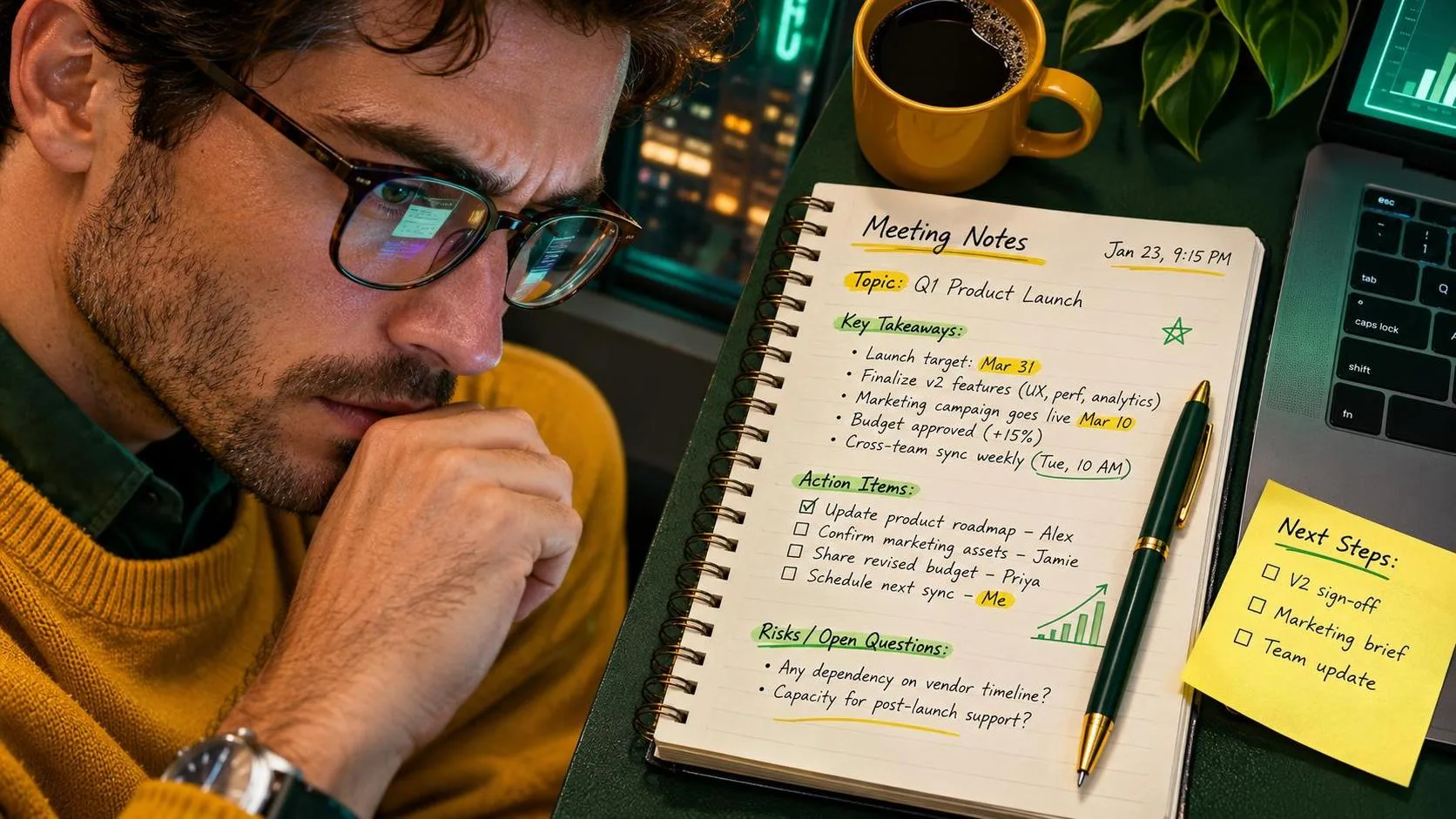
For meeting notes, I use: ‘Organize these notes into decisions, open questions, assigned actions, and deadlines. Do not infer an owner when none is stated. Put missing information under a heading called Needs confirmation.’ This is much safer than asking for a “meeting summary,” which can blur a suggestion into a decision.
ChatGPT is especially handy when the notes are messy. I might have half-sentences, repeated comments, and action items buried between updates about shipping delays. The output gives me a starting structure in under a minute. It does not replace checking the recording, shared document, or calendar. Names, dates, quantities, and commitments deserve a human review.
One prompt that failed for me asked ChatGPT to create a complete project update from three vague bullet points. It filled the gaps with plausible details. The writing looked excellent, which made the mistake more dangerous. I changed the instruction to “use only the information provided” and “write [MISSING] where evidence is absent.” The second version was less glamorous and far more useful.
Privacy rules before you paste anything
Chat gpt prompts cannot make private information safe after you have pasted it into a service. Before using a work message, remove customer names, personal phone numbers, account numbers, medical details, passwords, contract terms, and anything your employer treats as confidential. Replace them with labels such as [CUSTOMER], [DATE], or [ORDER ID].
For example, instead of pasting a customer complaint with a full address, I would write: ‘A customer in [CITY] reports that an order arrived two days late and asks for a refund. Draft a calm response that acknowledges the delay and asks for the order number.’ The tone and structure remain useful without exposing unnecessary information.
At home, the same rule applies to school notices and healthcare paperwork. ChatGPT can help turn a general list of appointments into a weekly checklist, but it does not need children’s full names, patient identifiers, or insurance numbers. If an answer affects legal, medical, financial, or workplace compliance decisions, treat the response as a draft and verify it with the appropriate source.
Privacy is not an exciting part of prompt writing. Neither is labeling files properly. Both are the difference between a handy shortcut and a problem you spend Saturday fixing.

Chat gpt prompts for planning ordinary life
I use chat gpt prompts at home when the problem is organization rather than expertise. A useful family-planning prompt is: ‘Create a Saturday plan for two adults and two children. We need groceries, laundry, a one-hour park visit, and dinner by 6:30 p.m. Use a realistic schedule with 20-minute buffers. Ask questions if a required detail is missing.’
The buffer instruction matters. Without it, ChatGPT plans a day as if nobody loses a shoe, spills cereal, or has to drive back because the library book is still on the kitchen counter. The first schedule it generated looked efficient and fell apart by 10:15. Adding travel time and transition time made the second version workable.
For meals, I might ask for five dinners using ingredients already on hand, with no recipe requiring more than 30 minutes of active cooking. I then check allergies, expiration dates, and substitutions myself. ChatGPT is good at rearranging constraints; it is not looking inside my refrigerator or taking responsibility if a food-safety detail is wrong.
This is where useful beats impressive. A plain checklist that gets everyone out the door is better than a beautiful twelve-step system nobody follows after Tuesday.
Build a prompt you can reuse
The easiest way to create reliable chat gpt prompts is to save a template with blanks. Mine often looks like this: ‘I need help with [TASK]. The audience is [AUDIENCE]. Here is the relevant context: [CONTEXT]. Produce [FORMAT]. Keep it [TONE] and under [LENGTH]. Use only the information provided. Flag anything uncertain. Before answering, ask up to three necessary questions.’
Do not fill every blank with a paragraph. Start with the smallest useful context, review the response, and add information when the result misses the mark. This is faster than writing a miniature autobiography before every request.
If the first answer is close, give targeted feedback: ‘Keep the second paragraph, remove the claim about savings, and make the request more specific.’ That teaches the conversation what you mean better than typing “try again.” For recurring tasks, save the final prompt in a notes app with a short label such as Weekly update or Vendor email.
I tried this with a Friday operations summary and reduced the blank-page time from roughly 15 minutes to four. The final editing still took several minutes because the numbers came from a spreadsheet, not from ChatGPT. The gain came from structure, not automation theater.
A quick test before you trust the answer
Before using any output from chat gpt prompts, read it once for facts, once for tone, and once for missing context. Check every number, date, name, promise, and quotation. Ask whether the answer confidently filled a gap that should remain open. If the content goes to a customer, manager, teacher, or family member, read it aloud. Awkward wording is easier to hear than to notice on screen.
When an answer matters, compare it with the original source. ChatGPT can summarize a policy, but the policy remains the authority. It can suggest questions for a doctor, but it is not the doctor. It can organize a budget, but you should verify the arithmetic and assumptions.
My final rule is the least glamorous one: save the prompts that actually help and delete the ones that only produce impressive paragraphs. The goal is not to sound like an AI expert. It is to finish a real task with fewer revisions, less frustration, and enough attention left for the rest of the day. No magic. Just a workflow that survived Monday.