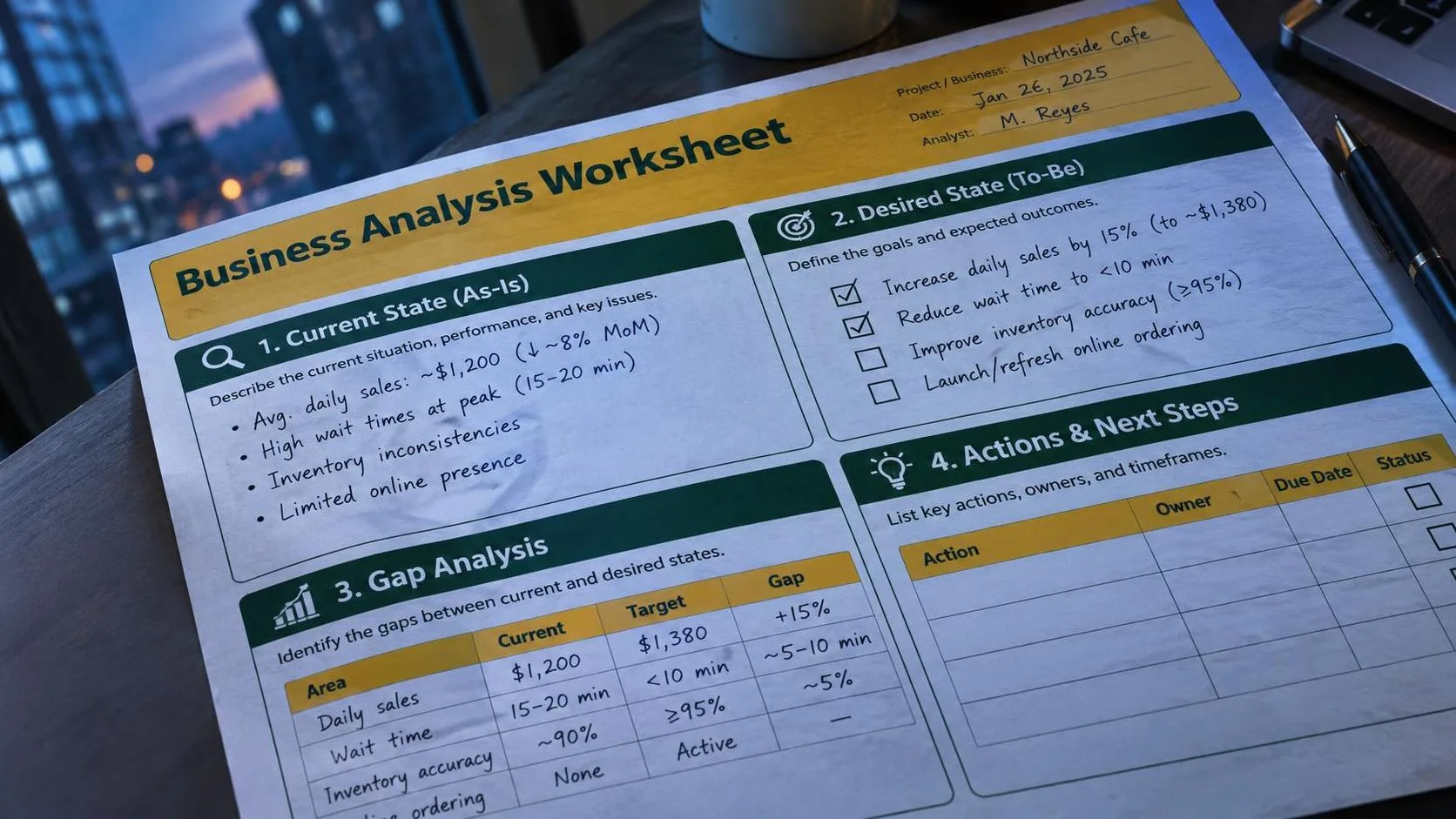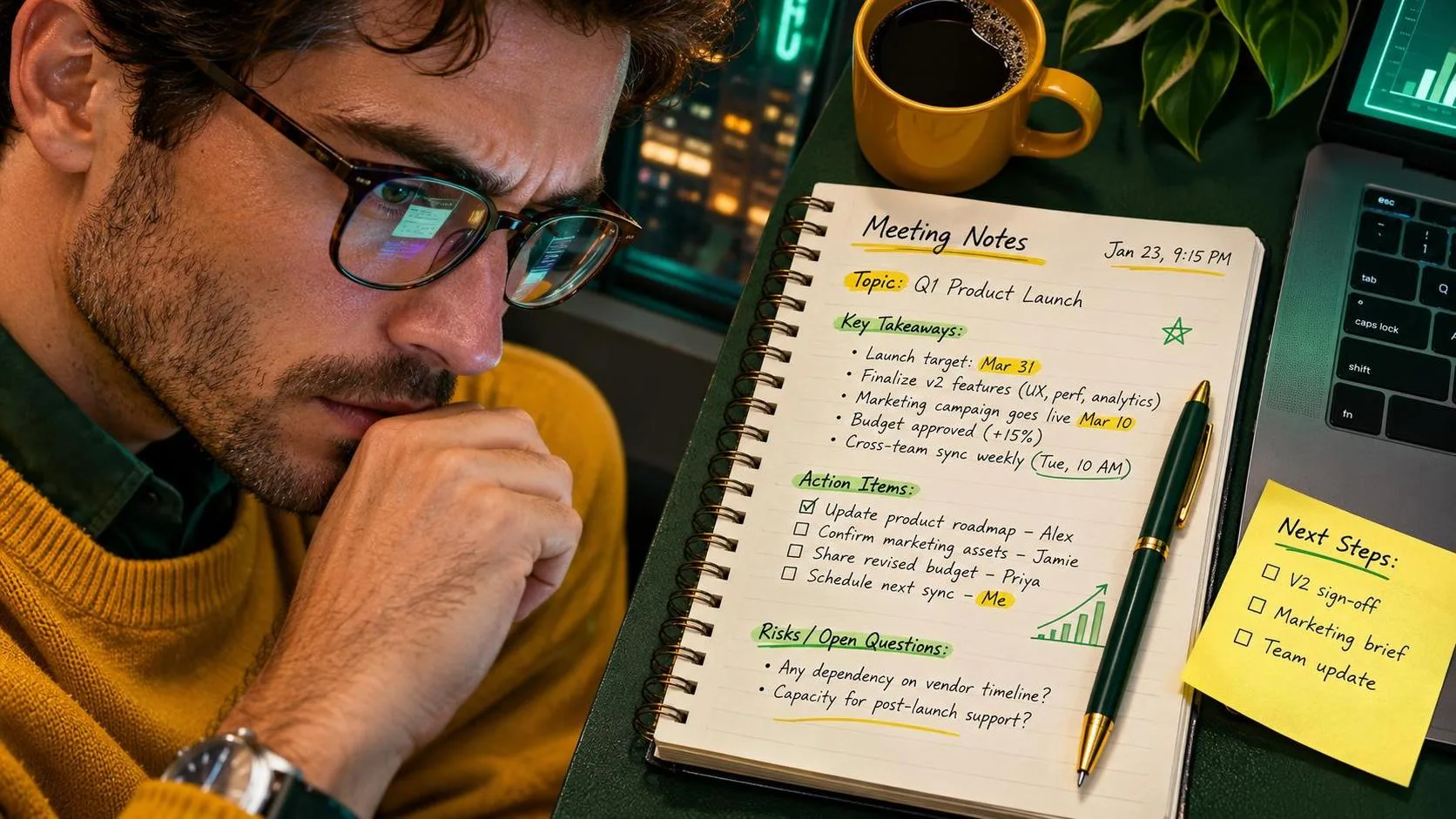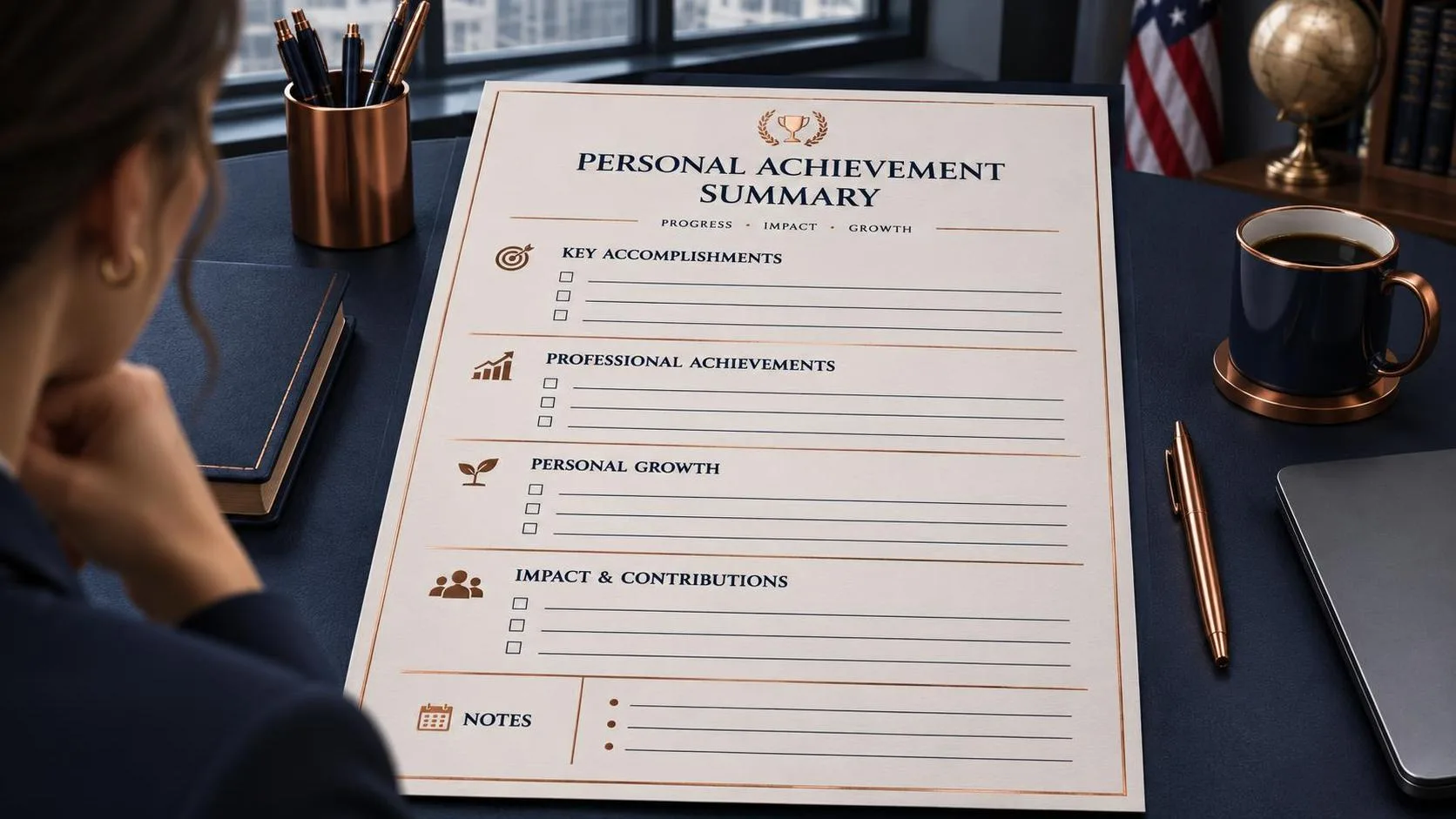
I used to remember my work accomplishments only when a performance review was already sitting on my calendar. By then, the details had wandered off like a missing approval email. A simple brag sheet template fixed that problem by giving me one place to record results, positive feedback, problems solved, and useful numbers. With a little help from ChatGPT, I can now turn rough notes into a clear summary without pretending the software knows what I actually did.
A brag sheet is not a list of exaggerated claims. It is a private record of useful work. You can use one for an annual review, a promotion conversation, a resume refresh, a school activity update, or a weekly check-in with your manager. The best version captures the situation, your action, and the result. That structure makes ordinary work easier to explain.
What to Put in a Brag Sheet Template
Start with facts rather than polished sentences. For each accomplishment, write down what happened, when it happened, what you changed, and what improved afterward. “Helped with inventory project” is too vague. “Rebuilt the shared inventory tracker, added an overdue flag, and reduced the weekly follow-up email from 45 minutes to about 20” gives a reader something useful.
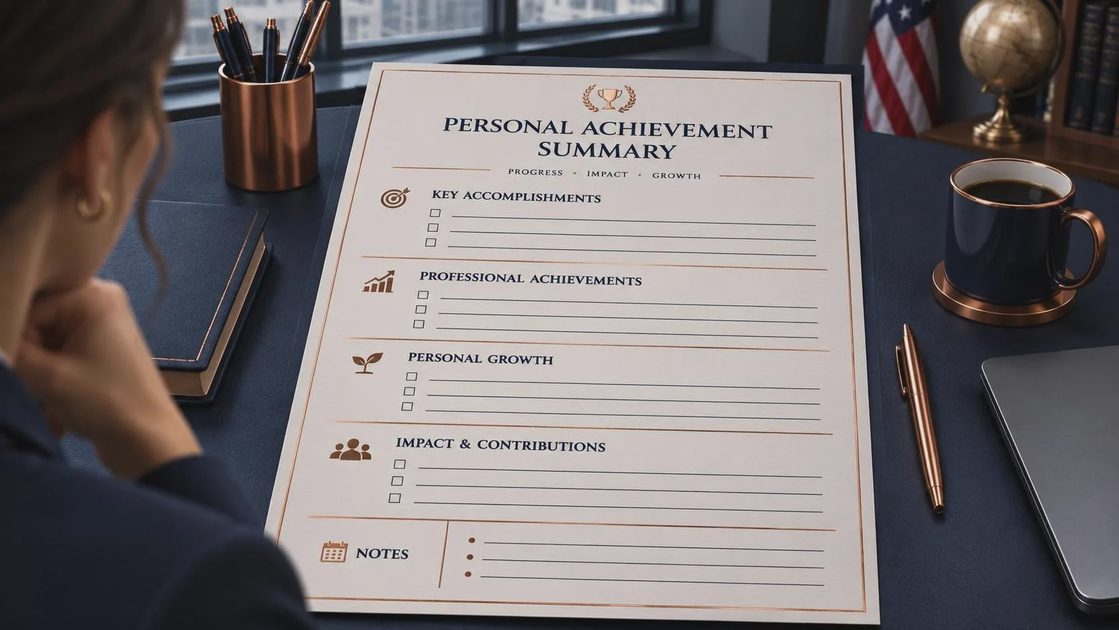
A solid brag sheet template usually includes the date, project or responsibility, problem, action, measurable result, people helped, evidence, and next step. Evidence could be a customer message, a completed report, a before-and-after time estimate, or a manager’s comment. If there is no dollar figure, use another honest measure: fewer revisions, faster response time, fewer missed handoffs, or a process that became easier for the next person.
Do not wait for dramatic achievements. Small improvements add up. Catching a recurring spreadsheet error, writing a clearer procedure, training a new coworker, or handling an upset customer calmly can all belong in the record. The point is to make dependable work visible, not to manufacture a heroic story.
The ChatGPT Prompt I Tested
I tried this workflow at my desk so you do not have to start with a blank screen. I opened a new ChatGPT conversation and pasted sanitized notes using this prompt: “Organize these accomplishment notes into a brag sheet template. For each item, show the situation, action, result, and evidence. Do not invent numbers or achievements. Mark missing details with questions. Use plain, professional language.”
Then I added three rough examples, with company names, customer names, order numbers, and private details removed. ChatGPT turned the fragments into short entries, but the first result was too enthusiastic. It described routine coordination as “transforming operations,” which was a little much for moving a meeting and updating a tracker. I changed the prompt to say, “Use restrained language. Describe the work accurately and avoid words such as transformed, revolutionized, or exceptional unless the notes support them.”
That second pass was much better. It took roughly ten minutes to create a usable draft instead of thirty minutes of staring at a document. I still checked every line against my notes. ChatGPT suggested a result in one entry that I had not actually measured, so I deleted it. The tool organized evidence; it did not verify the evidence.
A Before-and-After Example
Here is the difference a brag sheet template can make. The original note might say: “Answered questions for the warehouse team and fixed the weekly file.” That sentence is true, but it does not explain why the work mattered.
A stronger version says: “Updated the weekly shipment file after warehouse staff reported inconsistent status labels. Added a standard dropdown and a short instructions tab. The team used one shared format for the next four reporting cycles, which reduced clarification messages and made the Friday review easier to complete.”
Notice what this version does not claim. It does not invent a percentage, announce that the entire department became more productive, or take credit for every improvement. It names the problem, the action, and the visible result. If you later discover that clarification messages fell from about twelve per week to five, you can add that number and identify how you counted it.
For a promotion discussion, connect the entry to the next level of responsibility. You might write, “This project showed that I can identify a recurring process problem, create a workable fix, and help others adopt it.” That is stronger than simply saying, “I worked hard.” A brag sheet template helps you build that connection while the details are still fresh.
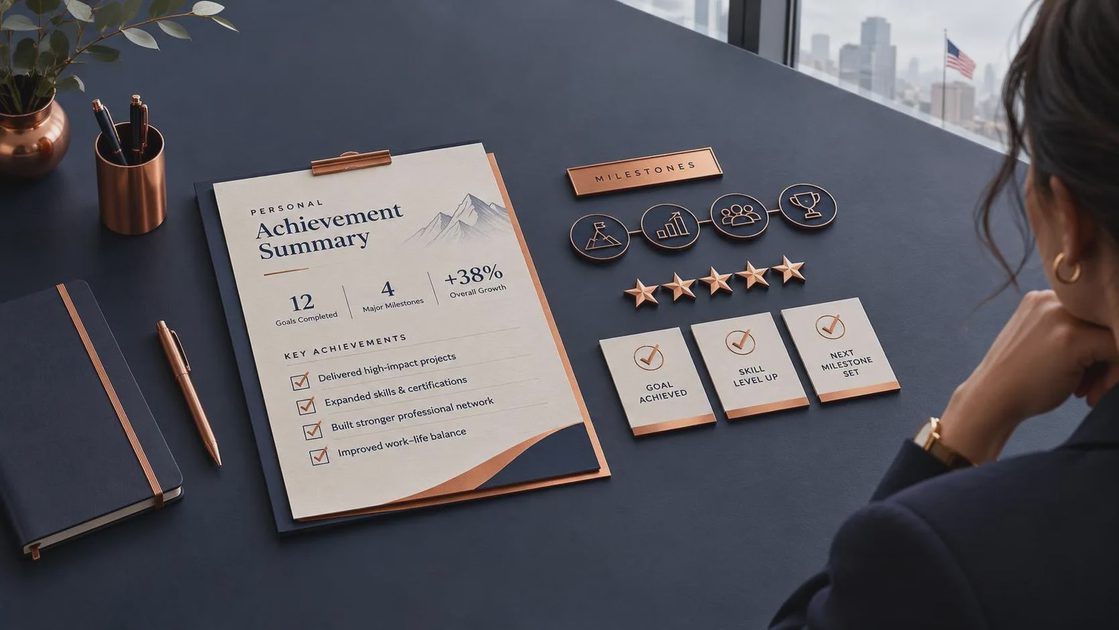
Use It for Reviews, Resumes, and School Updates
The same source notes can support several kinds of writing, but each audience needs a different version. A manager may want business results and ownership. A resume needs compact action-and-result statements. A school activity update might focus on responsibility, teamwork, preparation, and growth. Do not paste one long document everywhere and hope it fits.
Ask ChatGPT to create separate drafts from the same verified notes. For example: “Turn these three accomplishments into resume bullets under 25 words each,” or “Rewrite this entry for a performance review in a calm, first-person voice.” You can also request questions instead of invented details: “Ask me five questions that would help measure the result.” That turns the tool into an interviewer rather than a fiction machine.
A brag sheet template is especially useful before a review meeting. Read the entries and choose the three that best support your goal. If you want expanded responsibilities, select examples showing judgment and ownership. If you want a raise, emphasize durable results, reduced rework, customer impact, or work you now handle independently. Bring the full record for reference, but lead with the strongest evidence.
Privacy and Accuracy Checks
Keep private information out of ordinary ChatGPT prompts unless your organization has approved the specific tool and data handling process. Replace names with labels such as “customer A,” remove account numbers, and describe a project without pasting confidential documents. Do not include health information, employee disciplinary details, passwords, financial records, or proprietary pricing.
Before using any AI-generated draft, compare each sentence with your original notes. Check dates, numbers, job titles, project names, and who actually completed the work. If a result is estimated, label it as an estimate. If the work was shared, use language such as “I coordinated” or “I contributed to” instead of claiming sole ownership.
This accuracy pass matters because polished writing can make an incorrect detail look official. ChatGPT is good at arranging information and bad at knowing whether your memory is complete. Your notes and supporting evidence remain the source of truth.
A Simple Weekly Routine
On Friday afternoon, spend five minutes adding one or two entries to your brag sheet template. Write the rough version before opening ChatGPT. Include the problem, what you did, the result, and any proof you can find. Once a month, ask ChatGPT to group the entries by themes such as process improvement, customer support, teamwork, or leadership. Review those groups yourself and remove anything that feels inflated.
I also keep a “questions to verify” section. It reminds me to find the actual report, ask for a missing date, or confirm whether a time estimate is reasonable. That small habit prevents a last-minute review scramble.
No magic. Just a workflow that survived Monday. A brag sheet template will not make routine work sound bigger than it was, and that is the point. It helps you explain the value that was already there. Start with five honest notes, use ChatGPT to organize them, verify every claim, and save the cleaned-up version where you can find it before the next review.