If you are searching for a chatgpt free trial, you probably want a simple answer: can you try ChatGPT without paying, and is it useful for ordinary work? Yes, ChatGPT has a free way to get started, although access, message limits, and available features can change over time. I tried it at my desk so you do not have to, using the kinds of tasks that fill a regular workday rather than flashy demonstrations.
The free option is best understood as an ongoing free plan, not necessarily a traditional seven-day trial that automatically turns into a paid subscription. You create or access an account through the official ChatGPT website or app, then use the features currently available to free users. You should not need to enter a credit card simply to test the basic service, but always review the sign-up screen before accepting anything.
What the ChatGPT free trial includes
A chatgpt free trial can give you access to conversational writing help, brainstorming, summarizing, rewriting, planning, and general question answering. The exact model and tools offered to free users can change as OpenAI updates the product. Free accounts can also face usage limits during busy periods or after heavier use, while paid plans generally provide higher limits and additional access.
For a practical test, I opened a blank chat and pasted a short, fictional project update. My prompt was: “Rewrite this update for a busy manager. Keep the facts, remove repetition, use a calm tone, and finish with three clear next steps.” The first answer was usable but too polished. It sounded like a consultant had wandered into my inbox wearing a new suit. I asked for a more natural office tone, and the second version needed only light editing.
That is the pattern I would expect from a chatgpt free trial. It can produce a useful first draft quickly, but it does not know your company’s preferences unless you explain them. It also cannot tell whether a project detail is true just because the sentence sounds confident.

How to start safely
To begin a chatgpt free trial, use the official ChatGPT site or the official mobile app rather than a search ad, browser pop-up, or unfamiliar download page. Sign in with an email address or supported account option, and look closely for any plan language before completing registration. Avoid unofficial extensions that ask for access to your email, company files, or browser history just to provide a chatbot interface.
Your first test should contain harmless information. Use a made-up customer name, a fictional meeting date, and a short paragraph that resembles your task without copying confidential material. For example, instead of pasting an internal complaint, write: “A customer says delivery arrived two days late and wants a response. Draft a polite reply that acknowledges the delay without promising a refund.” This lets you evaluate the writing without exposing private records.
I also recommend saving your best prompt in a plain text file. My useful version is: “Act as an editing assistant. Preserve the meaning, flag unclear claims, use American English, and ask one question before making assumptions.” That instruction works for emails, notes, and short reports. It is not magic, but it creates a reliable starting point.
Real tasks worth testing first
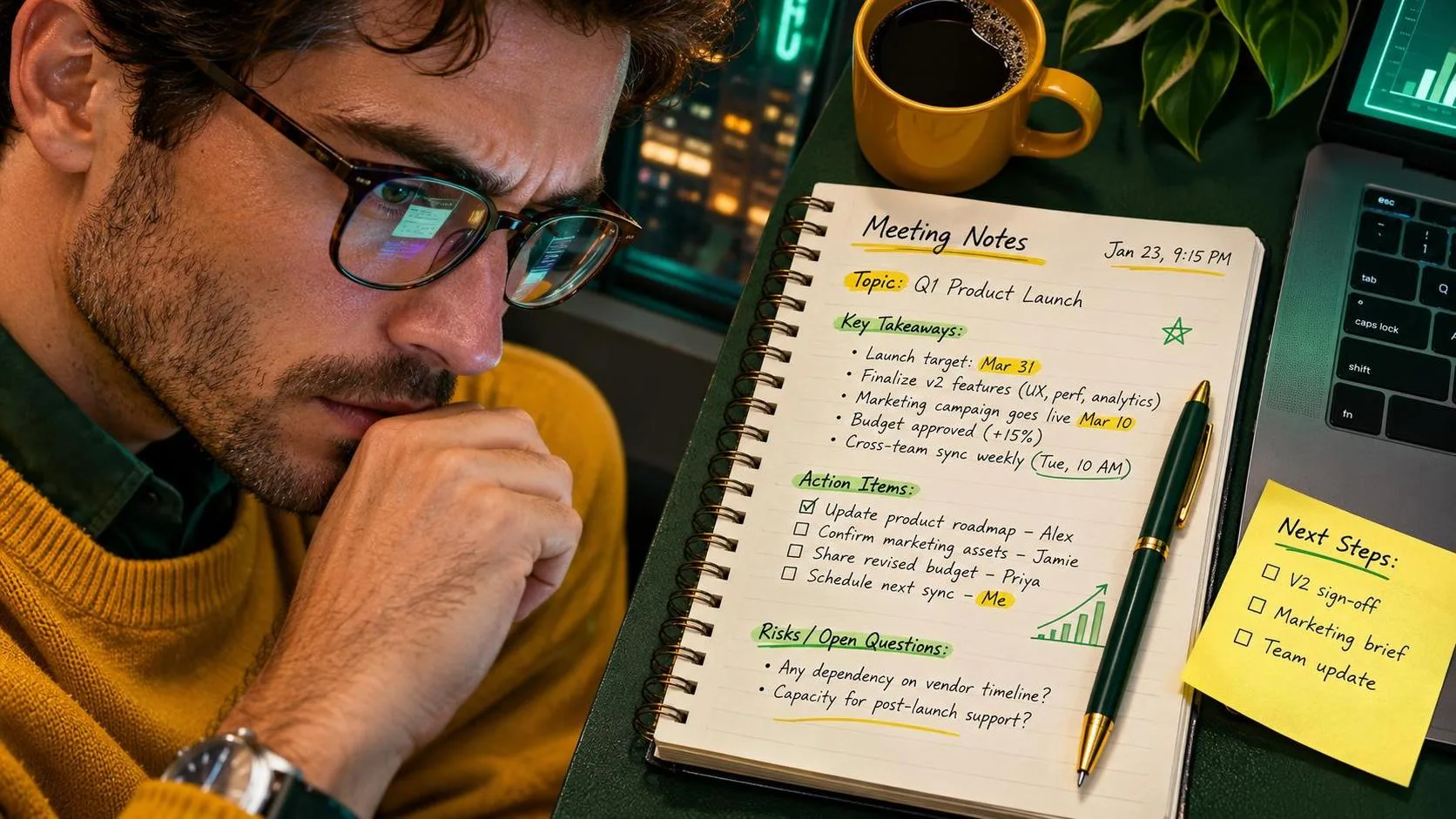
The strongest use of a chatgpt free trial is reducing the blank-page problem. Ask it to turn rough notes into a meeting recap, then compare every name, date, owner, and deadline with your original notes. Ask for a checklist from a long procedure, but keep the official policy beside you. Ask for three subject lines for an email, then choose the one that sounds like something you would actually send.
At home, I tested a fictional Saturday plan involving groceries, a hardware-store visit, two children’s activities, and dinner. The first response created an overambitious schedule with no buffer for traffic or the usual “where are my shoes?” delay. I revised the prompt to include a 30-minute cushion and one flexible task. The result was much more realistic. The tool did not organize my family; it helped me see the plan in a cleaner format.
A chatgpt free trial is also useful for changing the reading level or tone of text. You can request a plain-English explanation of a software instruction, a shorter version of a long announcement, or a warmer but still professional message. Keep the original beside the response. If the rewritten version quietly removes an important qualification, restore it yourself.
Limits, accuracy, and privacy
Free access does not make ChatGPT an authority. It can invent facts, misunderstand a spreadsheet, misread a request, or provide an answer that looks complete while missing the main issue. Verify medical, legal, financial, employment, safety, and school-related information with an appropriate source. For work, confirm numbers against the source file before sending anything to a customer or manager.
Do not paste passwords, Social Security numbers, bank details, private health information, customer records, unreleased business plans, or identifiable personnel issues into a casual test. Remove names and replace exact figures with placeholders when possible. A fictional example such as “[customer name]” and “[$ amount]” is usually enough to test the wording.
If your employer provides an approved business AI tool, use that environment for company work and follow its data policy. A personal chatgpt free trial account is not automatically approved for workplace information just because the prompt seems harmless. This is the boring advice that prevents an interesting meeting with your security team.

When a paid plan might make sense
A free plan is a sensible starting point if you use ChatGPT occasionally for drafting, brainstorming, or personal planning. You might consider a paid plan when you regularly hit usage limits, need higher availability, want access to additional tools, or depend on the service for repeated work. Pricing and features can change, so read the current plan comparison before subscribing rather than trusting an old screenshot.
Do not pay simply because a video promises that premium access will create effortless income or replace your job. The practical question is smaller: will the time saved exceed the monthly cost? If a paid plan saves you 20 minutes on four workdays each week, that could be meaningful. If you only ask for a birthday message twice a month, the free option is probably enough.
My practical recommendation
Start with the chatgpt free trial and test three ordinary tasks: rewrite a real-looking but sanitized email, summarize fictional meeting notes, and create a checklist from a short procedure. Track how long editing takes. If the output saves time and remains easy to verify, keep using the workflow. If it creates more checking than writing, change the prompt or stop using it for that task.
The best prompt usually includes the audience, purpose, tone, format, and restrictions. “Write an email” is vague. “Write a 120-word update for a department manager, explain the delayed shipment, avoid assigning blame, and end with two next steps” gives the tool something workable. Then review the answer as if a coworker had sent it to you.
No magic. Just a workflow that survived Monday. A chatgpt free trial can be useful when you treat it as a fast drafting assistant, protect private information, and keep final judgment in human hands.