An employee handbook template can save a small business hours of blank-page panic, but filling it out still takes judgment. I tried using ChatGPT to organize a basic handbook at my desk so you do not have to guess where the useful parts end and the risky shortcuts begin. The result was not a finished legal document. It was a cleaner first draft, a list of missing policies, and about an hour saved on formatting and repetitive wording.
That distinction matters. ChatGPT can help arrange information, simplify sentences, compare sections, and create questions for review. It cannot know whether a policy matches your state, local requirements, benefits plan, or actual workplace practices unless a qualified person supplies and verifies that information.
Start with the Employee Handbook Template, Not a Blank Chat
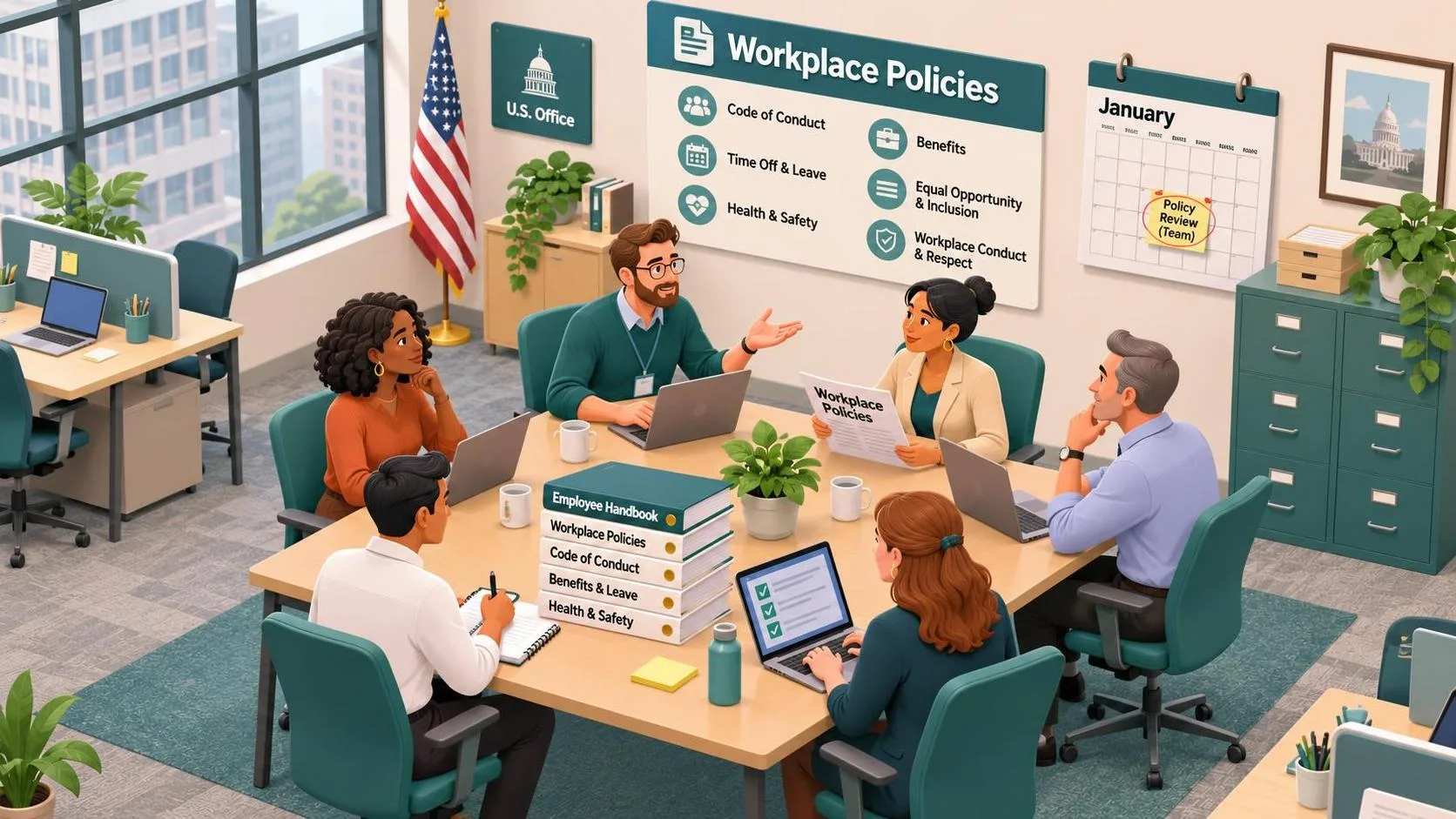
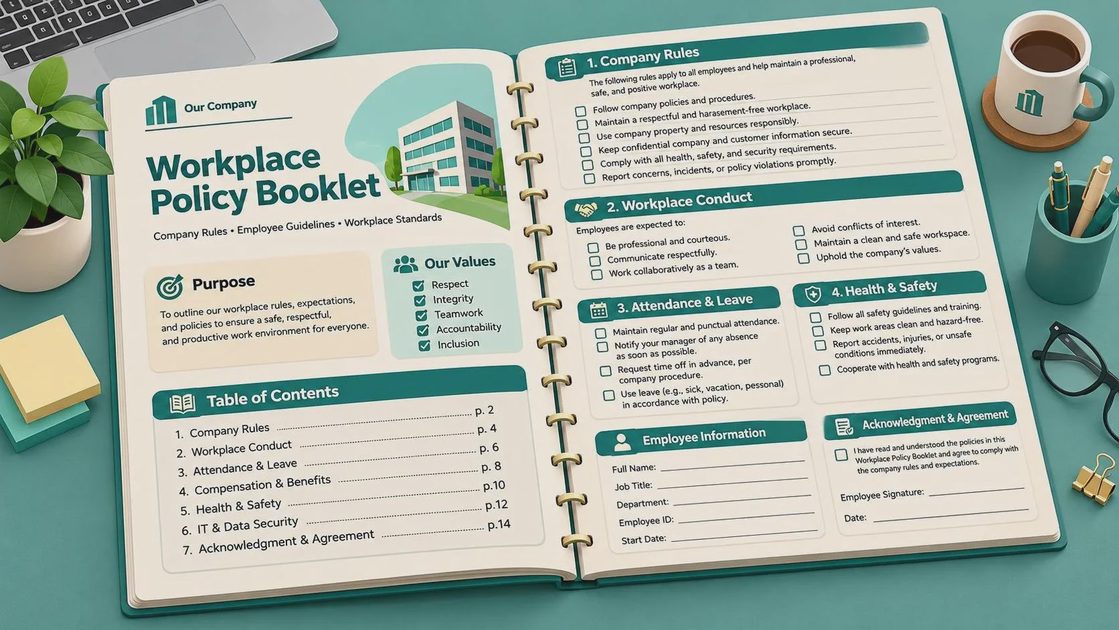
The best first step is to choose an employee handbook template that already has a sensible structure. Look for sections such as company values, employment basics, attendance, pay and scheduling, workplace conduct, safety, technology use, leave, benefits, performance expectations, and acknowledgment. A template is a map, not permission to copy every sentence unchanged.
Before opening ChatGPT, collect plain-language facts. Write down your normal work hours, payroll schedule, remote-work expectations, contact method for calling out, equipment rules, and who handles questions. Do not paste employee names, medical information, private customer data, passwords, disciplinary records, or confidential company figures into a public AI chat. Replace names with labels such as “warehouse employee” or “office supervisor.”
I use a simple prompt like this:
“Help me organize the information below into a draft employee handbook section. Use clear US English, identify missing details, and mark anything that requires legal or HR review. Do not invent laws, benefits, deadlines, or company practices.”
Then I paste only general operating details. This keeps the model focused on organization instead of encouraging it to fill gaps with confident-sounding guesses.
Make ChatGPT Explain What the Template Is Missing
A common mistake is asking ChatGPT to “complete” an employee handbook template. That wording invites invention. A better request asks for a gap analysis. Give it the section headings and your confirmed facts, then ask questions such as: Which policies are mentioned but undefined? Where could two sections conflict? Which terms might confuse a new hire? Which statements need review by an employment attorney or benefits administrator?
For example, an attendance section might say employees should arrive on time but never explain how to report an absence. ChatGPT can flag that gap and suggest a neutral checklist: whom to contact, when to contact them, what information is needed, and what happens when an emergency prevents advance notice. You still decide the actual rule.
The same process works for technology policies. A vague sentence about “appropriate computer use” can become a review list covering company devices, personal devices, passwords, phishing reports, software downloads, personal cloud storage, and work-related messaging. The output is useful because it makes hidden decisions visible. It does not become correct merely because the wording sounds polished.
Use Prompts for Plain-English Rewrites
Handbooks often fail at the sentence level. A policy may be accurate but written like it was assembled from three old documents and a meeting nobody remembers. ChatGPT is good at producing alternate wording while preserving a stated meaning.
Try this prompt: “Rewrite this policy for a new employee reading it on their first day. Keep the meaning, avoid legal conclusions, use short paragraphs, and list any phrase that is ambiguous.” Then compare the original and rewrite line by line. Watch for small changes that alter the rule. “Employees should report absences promptly” is not necessarily the same as “Employees must call two hours before every shift.”
An employee handbook template becomes more useful when each section has a consistent pattern. I like a short purpose statement, the actual expectation, the process employees should follow, an exception or contact route, and a note identifying who owns updates. That structure helps someone find an answer quickly during a busy Tuesday instead of hunting through six pages.
Ask ChatGPT for a reading-level check, but do not treat its score as a grade. The practical test is whether a new hire can explain what to do next without asking the writer to translate it.
Build a Review Pass Before Publishing
Never publish the first AI-assisted draft. Create a review pass with separate responsibilities. An operations manager can verify that the rules match daily work. A payroll or benefits contact can check pay, leave, insurance, and enrollment language. A qualified employment attorney can review legal exposure and state-specific requirements. Department leaders can identify procedures that look reasonable on paper but would fail during a real shift.
Use ChatGPT to create the review checklist, not to certify the handbook. Ask it to list every statement containing a deadline, dollar amount, eligibility condition, disciplinary consequence, safety instruction, or legal-sounding phrase. Those are the lines that deserve extra attention.
For example, if a draft says employees receive “paid holidays,” someone must confirm which holidays, who qualifies, how part-time schedules are handled, and what happens when a holiday falls on a normal day off. If the template says employment is at will, that language still should not be used to contradict promises elsewhere in the document. A clean review catches these collisions before employees do.
Protect Privacy While You Work
Privacy is not an optional add-on when the handbook project includes workplace material. Before using ChatGPT, remove direct identifiers and unnecessary details. Replace the company name with “the organization,” change exact customer descriptions to broad categories, and summarize sensitive incidents rather than pasting the original report.
Do not include an employee’s diagnosis, accommodation request, home address, Social Security number, performance history, or complaint narrative. Even if a detail seems relevant to wording, it usually is not needed to improve the structure. Keep the source documents in the company’s approved storage system, and follow your employer’s rules for external AI tools.
I also save a plain record of what AI contributed. A note such as “ChatGPT reorganized headings and suggested questions; manager verified the policy” makes later updates easier. When a handbook changes, you can tell whether the change came from an actual business decision or a wording experiment.
A Practical Employee Handbook Template Workflow
A dependable workflow has five passes. First, outline the sections and gather confirmed facts. Second, ask ChatGPT to identify gaps and duplicate ideas. Third, request plain-English rewrites one section at a time. Fourth, compare every rewrite against the original rule and mark items needing professional review. Fifth, format the approved version, add an acknowledgment process, and set a calendar reminder for updates.
This approach is slower than asking for a complete handbook in one prompt, but it is much safer and easier to manage. It also produces useful questions for a meeting. You might discover that nobody knows who approves schedule swaps, whether remote workers may use personal devices, or where safety training records are stored.
If your current document is ten pages of inconsistent language, an employee handbook template paired with careful ChatGPT prompts can turn it into a workable draft in an afternoon. The savings come from sorting and rewriting, not from handing responsibility to a chatbot. Useful beats impressive: verify the rules, protect private information, and let people—not the tool—make the final decisions.