When someone asks, is claude better than chatgpt, I understand the question. Most people are not trying to win an artificial intelligence benchmark. They want a tool that can clean up a difficult email, summarize a long meeting, organize notes, or help plan a busy week without creating more work. I tested both tools from that practical angle, using the kinds of tasks that land on my desk as an operations coordinator.
The short answer is that neither wins everything. Claude often feels calm, thoughtful, and strong with long documents. ChatGPT is usually more flexible for everyday back-and-forth work, custom instructions, file tasks, and a broad range of built-in features. The better choice depends on what you actually do between 8 a.m. and 5 p.m., not which product has the flashier demonstration.
Where Claude feels stronger
Claude has a writing style that many people find natural on the first attempt. When I gave it a rough project update and asked for a concise message to a manager, the result was clear without sounding like it had swallowed a corporate handbook. It handled tone changes well too. I could ask for “more direct but not cold” and usually get a useful revision.
Long context is another reason people ask is claude better than chatgpt. If you have a lengthy policy, meeting transcript, proposal, or collection of notes, Claude can be comfortable working through a large amount of text. That does not make it automatically accurate, but it can reduce the need to split material into many smaller prompts.
Claude is also appealing when the main job is reading and rewriting. A parent could paste a school announcement, remove names and private details, and ask for a short calendar-ready summary. An office worker could provide a draft procedure and request plain-English instructions for a new employee. In both cases, the benefit is less about magic and more about getting a clean first draft quickly.

Where ChatGPT earns its place
ChatGPT is often the better general-purpose assistant for people who want one familiar workspace. I use it for drafting emails, turning messy notes into action items, brainstorming spreadsheet formulas, creating checklists, and asking follow-up questions about the same project. Its broad ecosystem can also matter if you use image generation, voice conversations, file analysis, or custom assistants.
That flexibility is especially useful when a task changes halfway through. I might begin with, “Summarize these notes,” then ask for a list of unresolved decisions, a follow-up email, and a table of owners and due dates. ChatGPT handles that sequence naturally. When I tested this workflow, the first summary still needed checking, but it saved roughly 20 minutes compared with starting from a blank document.
If you are wondering is claude better than chatgpt for a busy household, ChatGPT has a practical advantage when you want one tool for varied jobs. It can help turn a grocery list into a meal plan, explain a confusing appliance manual, or create a packing checklist for a weekend trip. I still verify safety, prices, dates, and product instructions. Useful beats impressive.
A realistic email and meeting test
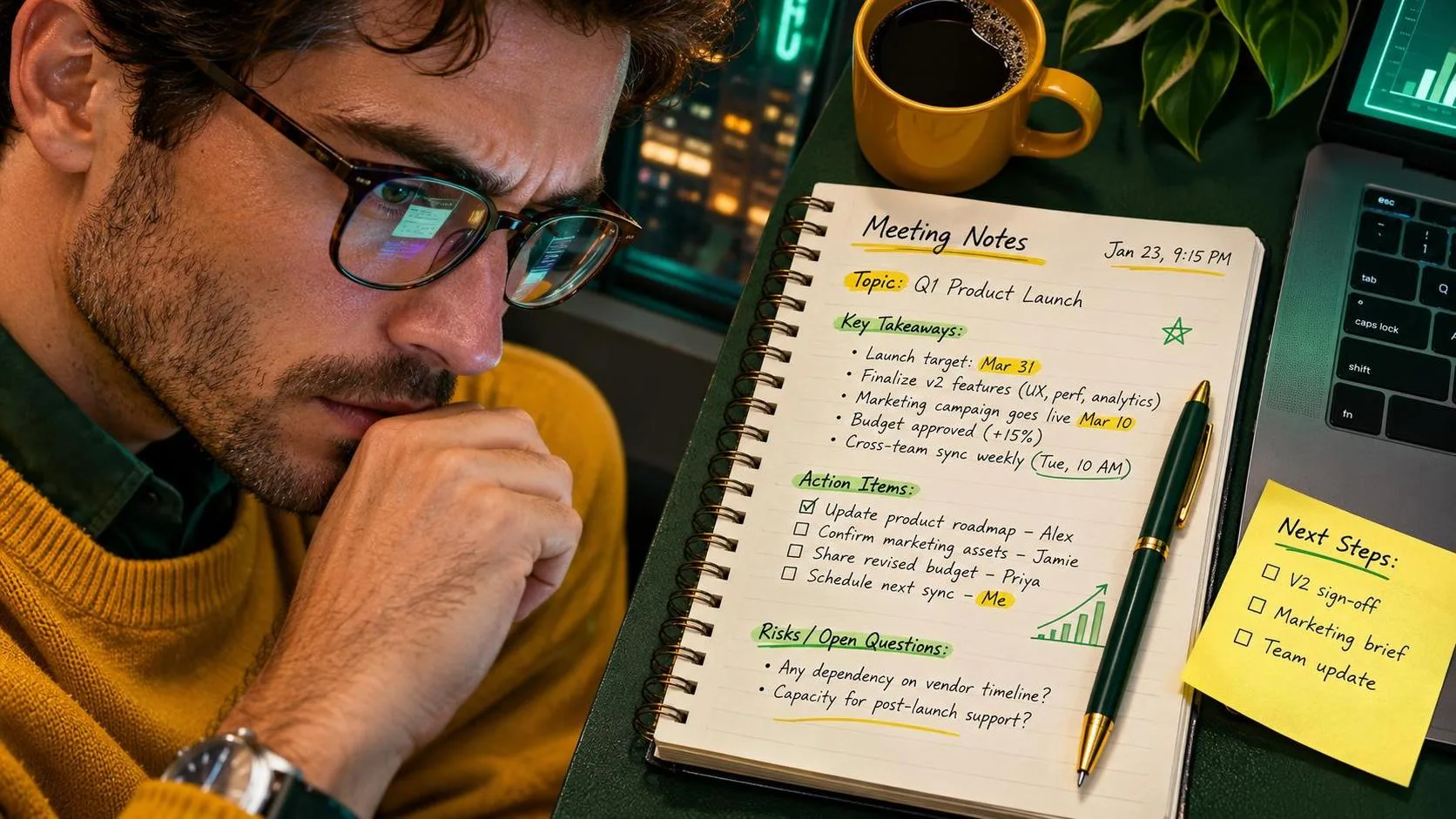
Here is the test I would use before choosing. Take a harmless, anonymized set of meeting notes containing three decisions, two unanswered questions, and several unrelated comments. Ask both tools for a 150-word summary, an action list, and a polite follow-up email. Then compare the results against the original notes.
Claude may produce the smoother narrative. ChatGPT may make it easier to continue the workflow with different formats and follow-up prompts. The important measurement is not which answer sounds smartest. Check whether either tool invented an owner, changed a deadline, or treated a suggestion as a final decision. That is where both tools can fail.
For my own notes, I keep the source document open beside the AI response. I mark every date, dollar amount, name, and commitment before sending anything. An AI-generated summary is a draft, not a record. If the meeting involved a customer complaint, legal issue, personnel matter, or financial decision, human review becomes even more important.
Privacy, accuracy, and cost
The question is claude better than chatgpt should include privacy, not just writing quality. Do not paste confidential company information, protected health information, passwords, customer records, or children’s identifying details into a consumer chatbot. Replace names with labels, remove account numbers, and summarize sensitive facts instead of copying entire records.
Both services can produce confident mistakes. They may misunderstand an instruction, invent a source, or give an outdated answer. For general brainstorming, that may be a small inconvenience. For tax questions, medical decisions, employment policies, contracts, or safety instructions, use the tool to prepare questions and organize information, then verify with an authoritative source or qualified professional.
Pricing and available features change, so compare the current plans directly before paying. Free tiers can be enough for occasional email rewrites. A paid plan may make sense if you regularly upload documents, need higher usage limits, or rely on advanced features. Do not subscribe to both for months just to avoid choosing. Try each on the same five tasks for a week and track the results.

My side-by-side workflow
I tried it at my desk so you do not have to, and my comparison was simple. I used the same anonymized notes, the same request, and the same follow-up questions in both tools. I judged each response on four points: did it follow the requested format, preserve the facts, require many edits, and save time?
For a difficult email, both were helpful after one revision. For a long document, Claude felt particularly comfortable and produced a readable explanation. For a mixed work session involving a summary, checklist, spreadsheet idea, and rewrite, ChatGPT felt more convenient because I could keep building on the conversation. Neither tool eliminated verification. The biggest time savings came from giving clear instructions and supplying the right context.
A useful prompt in either system is: “Use only the information below. Separate confirmed facts from open questions. Do not invent dates, names, owners, or prices. First provide a 100-word summary, then list items that require verification.” That wording prevents some common errors and makes the output easier to inspect.
So, is claude better than chatgpt?
So, is claude better than chatgpt? Choose Claude if your main work involves long documents, careful rewriting, and a restrained conversational style. Choose ChatGPT if you want a versatile daily assistant with broad capabilities and an easy path from one task to the next. If you are still unsure, start with the free options and run the same real-world test in both.
My recommendation for ordinary workers and parents is not to chase the supposedly smartest tool. Pick the one that produces a dependable draft, fits your privacy rules, and saves measurable time. For me, ChatGPT remains the more useful all-around desk companion, while Claude is a strong choice for document-heavy writing. The answer to is claude better than chatgpt is personal, but a one-week test will tell you more than a dozen flashy demos.