If you have typed www.chatgpt.com into your browser and wondered what to do next, you are in good company. I first opened ChatGPT because I needed to write a difficult work email without sounding rude, stiff, or like a robot wearing a tie. The site became more useful when I stopped asking vague questions and started giving it a specific job, audience, and limit.
This guide is for office workers, parents, and anyone who wants practical help instead of an impressive demo. www.chatgpt.com can draft, organize, summarize, and brainstorm, but it cannot take responsibility for a decision. Think of it as a quick first-draft coworker who needs supervision.
What www.chatgpt.com actually does
www.chatgpt.com is the web address people use to access ChatGPT, an artificial intelligence conversation tool from OpenAI. Depending on the account and current product options, it can respond to questions, rewrite text, summarize material, analyze some uploaded files, and help develop plans or checklists. The available features and limits can change, so the screen you see might not match a tutorial recorded several months ago.
The important distinction is between generating language and knowing facts. ChatGPT predicts a useful-looking response from the information and instructions available to it. That response can sound confident while containing a wrong date, an invented detail, or an incomplete explanation. www.chatgpt.com is excellent for turning scattered notes into a clean outline. It is not the final authority on medical, legal, financial, employment, or safety questions.
At my desk, the biggest early improvement came from treating the tool like an assistant receiving a work order. Instead of typing “write an email,” I wrote, “Draft a friendly 120-word email to a vendor whose delivery is two days late. State the impact, request a revised arrival time, and avoid threats.” The second prompt produced something I could edit in about two minutes.

A prompt that survives a busy Monday
When I use www.chatgpt.com for work, I include five pieces of information: the task, the background, the audience, the format, and the boundaries. You do not need special prompt language. Plain instructions are better than trying to sound technical.
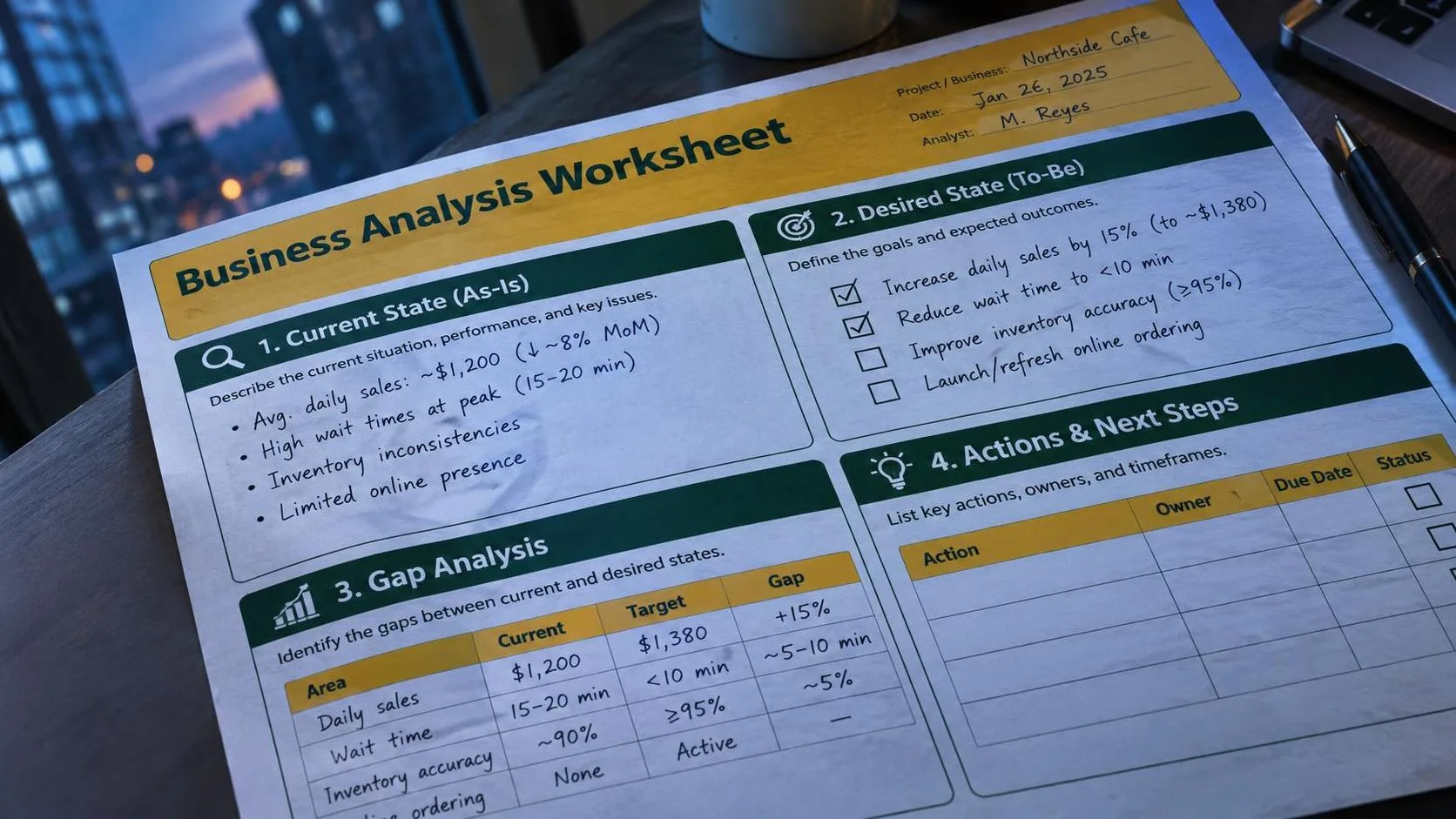
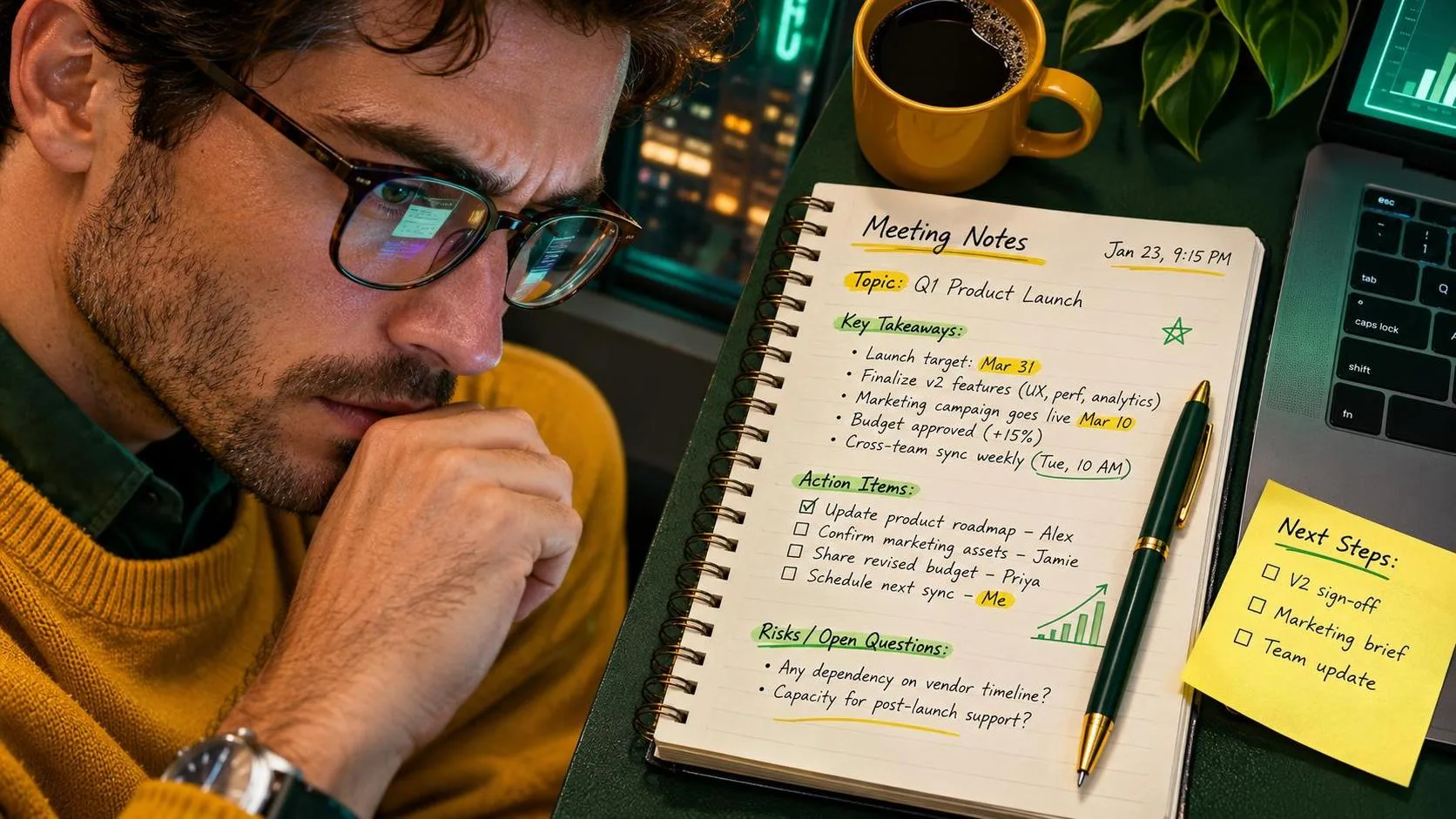
For example, this prompt is useful for messy meeting notes: “Turn the notes below into a project recap for coworkers. Use three headings: decisions, open questions, and next actions. Do not invent owners or deadlines. Mark unclear items as ‘needs confirmation.’ Keep it under 250 words.” That last instruction matters because it tells the tool what not to make up.
I tested a version of this workflow with anonymized notes from a recurring operations meeting. The first result was readable but assigned responsibility too confidently. I changed the prompt to prohibit assumptions, then checked every action against my original notes. The process took about eight minutes instead of the usual twenty minutes. The saved time came from formatting, not from skipping judgment.
For email, ask for options rather than accepting the first answer. “Give me three versions: direct, warm, and very brief” lets you choose a tone. I usually combine the best sentence from one version with the structure of another. The finished email still sounds like me because I edit the opening, specific facts, and closing.
Useful jobs for www.chatgpt.com at home
The same method works for family logistics. You can paste a general list of errands and ask www.chatgpt.com to arrange it into a Saturday plan with driving grouped by area, a realistic lunch break, and a backup option if rain changes the schedule. Remove home addresses, children’s names, account numbers, and private calendar details first.
I also use it to turn a long school notice into a parent checklist. A prompt such as “Extract dates, items to bring, payment instructions, and questions I should ask the school. Preserve uncertainty instead of guessing” produces a starting point that is easier to scan. I still read the original notice because a summary can miss a qualification buried in the final paragraph.
Meal planning is another reasonable use. Give the tool ingredients you already have, the number of people, available cooking time, and allergies or dietary requirements. Ask for a grocery list grouped by aisle. Verify allergy advice carefully, and do not treat a generated recipe as a substitute for medical guidance. www.chatgpt.com can reduce planning friction; it cannot inspect your kitchen or guarantee that a product label is safe.
For household repairs, ask for a diagnostic checklist rather than a confident answer. Describe the visible symptom, the tool you have, and what you have already tried. Tell it to begin with safe, reversible checks. Stop when electricity, gas, structural damage, or a serious leak is involved and use a qualified professional.

Privacy rules I use before entering anything
Before using www.chatgpt.com for workplace material, I replace names with labels such as “Customer A,” remove contract numbers, and summarize sensitive figures into broad ranges. I never paste passwords, access codes, health details, personnel complaints, private customer records, or confidential company documents into a consumer AI chat.
Your employer may have an approved business version with different controls. Follow the organization’s policy rather than assuming that a personal account is acceptable. If you are unsure, ask your manager or technology team what information is permitted. A five-minute privacy check is cheaper than explaining a data leak.
I also avoid uploading photographs that reveal addresses, school uniforms, license plates, or documents in the background. Cropping is helpful, but deleting sensitive information before upload is safer. Review account settings and product notices periodically because features, retention options, and controls can change.
How to check an answer before trusting it
Use www.chatgpt.com to produce a draft, then separate suggestions from verified facts. For a report, confirm names, dates, totals, policy language, and links against the original source. For a purchase comparison, check current prices and specifications on the manufacturer’s website. For health, legal, tax, or financial matters, use a qualified professional or authoritative source.
A simple follow-up prompt can expose weak reasoning: “List the claims in your answer that require verification, explain what source would verify each one, and identify anything you assumed.” This does not make the answer true, but it gives you a useful inspection list. Ask the tool to show uncertainty instead of smoothing it away.
If a response cites a source, open the source yourself. Sometimes a citation is outdated, too general, or unrelated to the claim. If the answer includes a calculation, redo the arithmetic with a calculator or spreadsheet. ChatGPT can explain a formula while still making a basic multiplication error.
My five-minute www.chatgpt.com routine
Start with one small task, not an entire job. State the desired result and who will read it. Add the source material, with private details removed. Set a length, tone, or format. Ask the tool not to invent missing information. Read the output against the original material. Edit it in your own voice, then verify important facts before sending or acting.
The routine is deliberately ordinary. I tried it at my desk so you do not have to spend an afternoon collecting clever prompts. www.chatgpt.com saved me roughly twelve minutes on a recurring recap, but only because I supplied clean instructions and performed the final review. On a vague task, it created more editing than it saved.
The best first experiment is something low-risk, repetitive, and easy to check: an email outline, a meeting summary, a grocery list, or a checklist from a public instruction sheet. No magic. Just a workflow that survived Monday. Useful beats impressive, especially when the person making the final decision is still you.