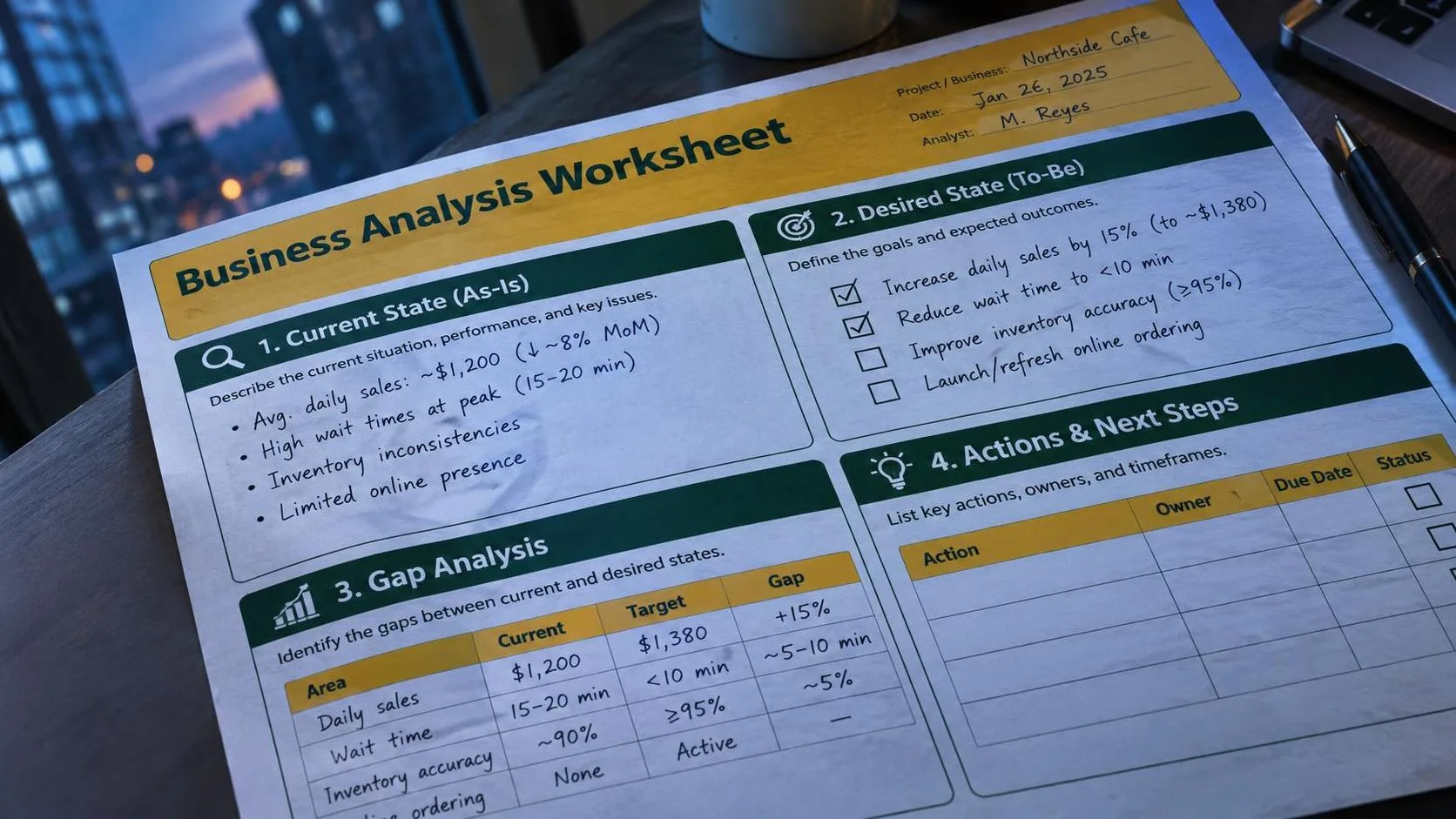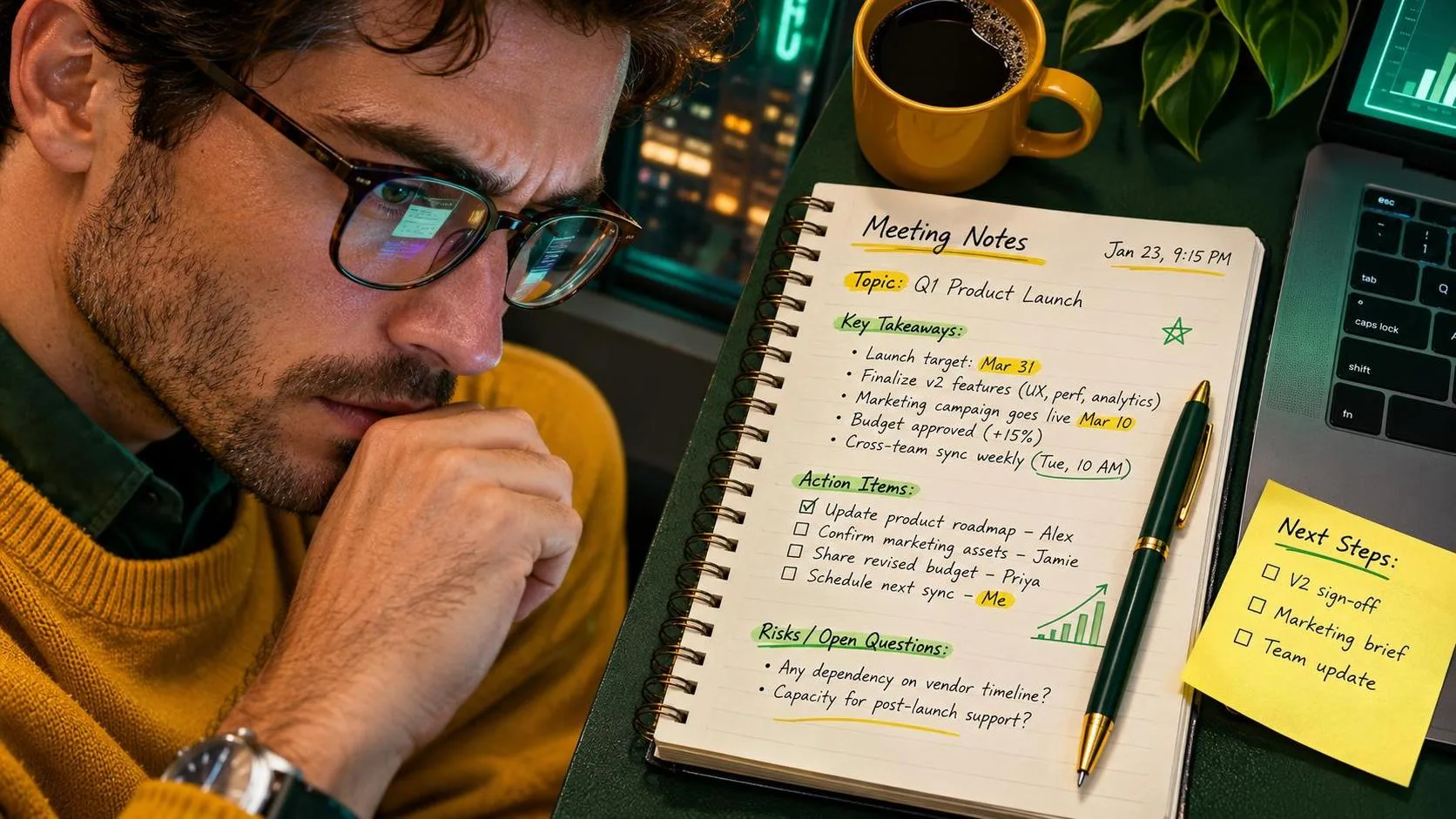
A blog post template should do more than place empty headings on a page. It should help you decide what to say, who needs to hear it, and what a useful article should accomplish. I tested this blog post template with ChatGPT at my desk while planning a practical article, and the biggest benefit was not getting a finished draft in seconds. It was avoiding the familiar blank-screen stare.
I am Alex, an operations coordinator, not a professional copywriter or an AI consultant. I use ChatGPT for meeting notes, reports, emails, and the occasional article outline when my brain has apparently left for lunch. This workflow helped me turn a vague topic into a workable draft in about 25 minutes, followed by another 20 minutes of editing and fact-checking. No magic. Just a workflow that survived Monday.
What a useful blog post template should include
The best blog post template gives you a sequence, not a prison. Start with the reader’s problem. Then define the promised outcome, gather the facts, plan the sections, write a rough draft, and edit for clarity. If the template begins with “write an introduction,” it skips the decisions that make an introduction useful.
My basic blog post template has five working parts: the reader, the problem, the answer, the evidence, and the next step. For example, a post about organizing a messy shared inbox might identify office coordinators as the audience, describe the missed requests caused by scattered messages, explain a simple label system, show an example, and end with a small action readers can take today.
That structure also prevents a common ChatGPT problem: a polished article that says almost nothing. When I provide only a title, the tool tends to produce broad advice such as “stay consistent” and “know your audience.” Those statements are not wrong, but they do not help someone handle 86 unread messages before lunch.

The prompt I use with this blog post template
I do not ask ChatGPT to “write a great blog post.” That request is too vague, so the response usually sounds like a brochure written by a committee. Instead, I give it a job and some boundaries.
Here is the prompt I tested: “Act as a practical editor. Use this blog post template to plan an article for busy American office workers. Topic: organizing a shared inbox. Reader problem: requests are missed because messages are scattered. Desired result: the reader can create a simple system in one afternoon. Use plain US English, concrete examples, five sections, and no unsupported statistics. First provide an outline. Do not draft the article yet.”
The final sentence matters. Asking for an outline first lets me correct the direction before ChatGPT spends several hundred words polishing the wrong idea. In my test, the first outline included a section about advanced automation. I removed it because the intended reader needed a reliable manual process before adding another tool.
After approving the outline, I asked for one section at a time. This made the weaknesses easier to spot. One paragraph claimed that color-coded labels would improve productivity, but it offered no reason or example. I changed it to explain exactly which labels to create and when to use them. Specific instructions beat impressive-sounding claims every time.
How to turn an outline into a trustworthy draft
A blog post template is most useful when every section has a clear assignment. I write a short note beside each heading: explain the problem, show the setup, compare two choices, describe a failure, or provide a next action. Then I give that assignment to ChatGPT.
For example, my instruction for one section was: “Explain how to process a shared inbox at 9 a.m. Include three example messages and show where each one goes. Keep the advice realistic for a two-person office.” That produced a much better draft than “write about inbox organization.” It included a customer question, an internal request, and a newsletter. I still edited the wording, but the examples gave the section a backbone.
I also ask for uncertainty to be marked rather than hidden. ChatGPT can invent details, misunderstand a product feature, or present a recommendation as universal. For a work article, I verify software names, pricing, deadlines, legal references, and technical instructions myself. The tool suggested this; I verified that. Keeping those roles separate is one of the simplest ways to avoid publishing confident nonsense.
Editing the draft without making it sound like a robot
The first draft is raw material. I read it aloud, usually while waiting for the coffee maker to finish doing its heroic work. Stiff phrases become obvious when spoken. Sentences such as “it is important to note that” often disappear. So do repeated conclusions, empty transitions, and claims that sound larger than the evidence.
Next, I compare each paragraph with the reader’s original problem. If the paragraph does not explain, demonstrate, warn, or move the reader toward an action, I cut it or combine it. A blog post template should make editing easier because the purpose of each section is visible.
I then ask ChatGPT for a narrow review: “Find places where this draft makes an unsupported promise, repeats an idea, or assumes the reader knows a technical term. Quote the sentence and explain the concern. Do not rewrite the article.” This review is more useful than asking for a general improvement because it gives me a checklist of decisions instead of another replacement draft.

Privacy checks before using ChatGPT for article work
Do not paste confidential workplace material into a prompt just because it would make the draft more specific. Remove customer names, email addresses, account numbers, internal pricing, private medical information, passwords, and unreleased business plans. Replace them with neutral labels such as “Customer A” or “regional supplier.”
My blog post template uses invented examples for that reason. An illustrative message might say, “Please confirm Friday’s delivery window,” without including a real order number or location. That is enough to demonstrate the workflow. Specificity should clarify the task, not expose someone’s private information.
I also keep family details out of prompts unless they are completely general. When planning a household checklist, I can write “two children with school activities” instead of sharing names, schedules, or teacher information. ChatGPT does not need the private backstory to help organize the list.
A simple final review and publishing routine
Before publishing, I run the article through the same blog post template in reverse. Can I identify the intended reader in one sentence? Is the promised result visible near the beginning? Does every major section deliver a concrete example? Are prices, dates, product details, and claims verified? Does the conclusion give the reader a reasonable next step rather than a dramatic sales pitch?
I also check the title, opening paragraph, headings, links, and descriptions separately. A strong article can still get ignored if the title is vague or the first paragraph takes too long to explain the benefit. Readability matters on a phone, where a giant block of text feels like a tax on the reader’s afternoon.
The final test is practical: could a busy person use this article without asking what to do next? If not, I add an example, remove jargon, or rewrite the instruction as a sequence. Useful beats impressive. This blog post template will not replace judgment, research, or editing, but it can give you a dependable starting point. I tried it at my desk so you do not have to, and the result was simple enough to reuse on the next ordinary workday.