If you need to cancel chatgpt subscription, the important detail is where you originally started it. A subscription purchased on the ChatGPT website is managed through the website, while an iPhone or Android subscription is usually controlled by Apple or Google. I tried the process at my desk so you do not have to hunt through three different settings menus. The cancellation itself is quick; finding the correct billing doorway is what causes most of the frustration.
Start with the place you subscribed
Before clicking anything, check your last receipt or bank statement. A charge from OpenAI usually points to a web subscription. An Apple receipt means the App Store is handling billing, and a Google Play receipt means Android is the place to make the change. This small check can save 10 minutes of poking around in the wrong account.
Also confirm that you are signed into the ChatGPT account connected to the paid plan. Many people have one account using a personal email and another using a work or school address. If the paid features appear on one account but you cancel from another, nothing changes. That is the digital version of turning off the wrong garage light.
If you use ChatGPT through an employer, school, or another organization, you might not control the subscription yourself. Ask the account administrator rather than deleting your personal profile. Removing the app does not cancel billing, and logging out does not cancel billing either.
How to cancel chatgpt subscription on the website
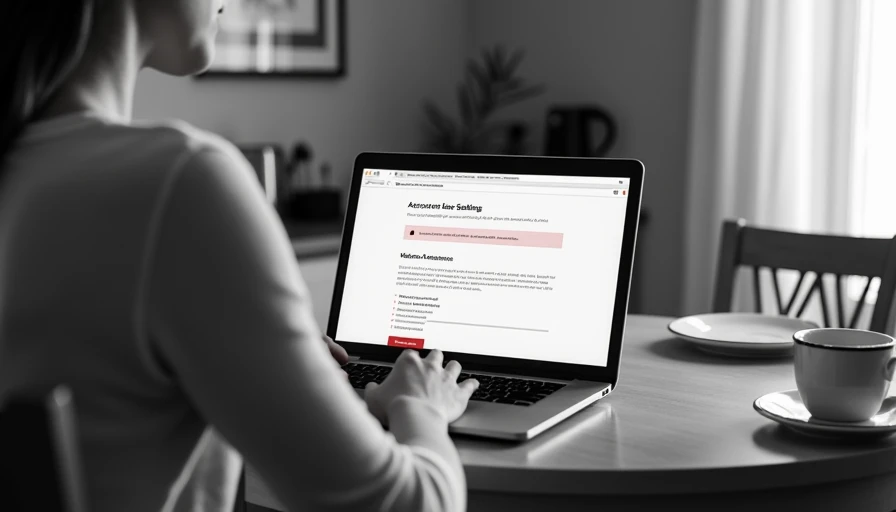
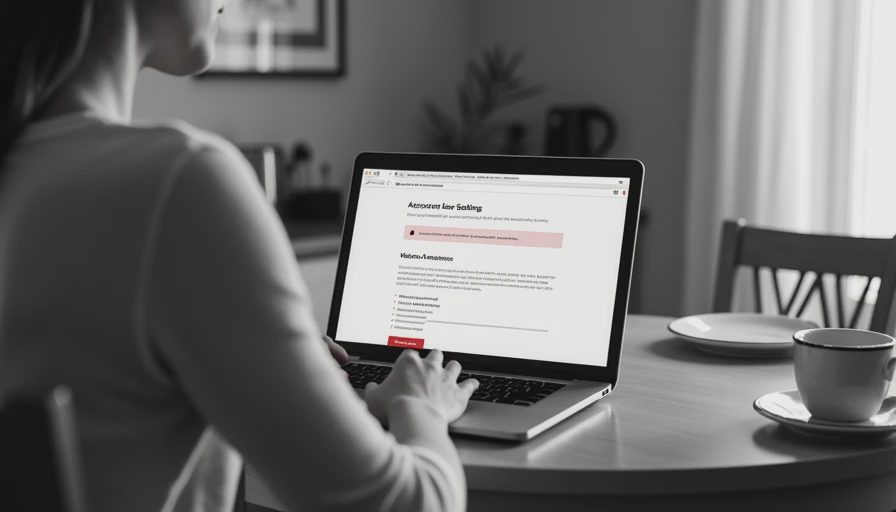
For a plan purchased through ChatGPT, open ChatGPT in a browser and sign into the account with the paid plan. Open your profile or account menu, then look for Settings. In the billing, subscription, or plan area, choose the option to manage the subscription. The exact wording can change as the service updates its interface, but the path generally leads to a billing portal.
Choose the cancellation option and continue through the confirmation screens. Some services ask why you are leaving or offer a lower-cost alternative. You can decline those offers if your goal is simply to stop the next renewal. Complete every confirmation step until the page clearly says the plan is canceled or scheduled to end.
Take a screenshot showing the cancellation status and note the date. This takes about 30 seconds and gives you useful evidence if a renewal appears later. Do not rely only on closing the browser tab. After canceling, refresh the account page and check whether it displays an end date or a message that recurring billing is off.
Cancel an iPhone or Android subscription
If you used an iPhone or iPad, cancel chatgpt subscription through the Apple ID that made the purchase. Open the iPhone Settings app, tap your name, choose Subscriptions, select ChatGPT, and follow the cancellation prompts. Apple normally keeps access available until the current paid period ends, so cancellation usually stops renewal rather than ending access immediately.
On Android, open Google Play and make sure the correct Google account is active. Go to your profile, open Payments and subscriptions, choose Subscriptions, select ChatGPT, and follow the instructions to cancel. Deleting the ChatGPT app is not enough. The subscription lives in Google Play, just as an App Store subscription lives in Apple settings.
A useful test is to search your email for terms such as “Apple receipt,” “Google Play,” “OpenAI,” or “ChatGPT.” The receipt often reveals which company processes the payment. If you see no subscription on the phone, check the website before assuming the plan is gone.
What happens after you cancel
When you cancel chatgpt subscription, access typically continues through the end of the current billing period. You may still be able to use paid features until the listed expiration date. Cancellation generally prevents the next automatic charge; it does not usually erase your account, conversations, or login credentials.
If you only want to stop paying for a while, cancellation is less drastic than deleting the account. You can continue using any available free plan and subscribe again later. Before the paid period ends, download or copy important work that you are allowed to keep. Do not export confidential company information to a personal device without following your employer’s rules.
After the end date, check your account and your payment statement. A pending authorization can look like a completed charge for a short time, and a different subscription may be attached to another email address. This is why the screenshot and receipt check are worth doing.
Can you get a refund?
Canceling chatgpt subscription and requesting a refund are separate actions. Cancellation stops future renewal, but it does not automatically return a previous payment. Refund eligibility depends on where you bought the plan and the applicable billing terms. A web purchase generally requires contacting the relevant support channel, while Apple and Google purchases usually follow their own refund processes.
When contacting support, include the account email, purchase date, charge amount, and transaction reference if available. Keep the explanation short and factual. Do not send a password, full payment card number, or sensitive work documents. If you were charged after canceling, attach the cancellation confirmation and explain the timeline clearly.
Do not wait until the next renewal is already processing if you know you want to leave. Set a calendar reminder several days before the billing date, especially if you subscribed during a busy workweek and tend to forget recurring services.
If cancellation is not working
If the cancel button is missing, first verify the account and billing platform. Then try a desktop browser, sign out and back in, and disable extensions that might interfere with a billing page. Check whether your employer or family member owns the subscription. A payment receipt can also reveal that you are looking at a free account while the paid plan belongs elsewhere.
If you cannot access the original email address, use the service’s official support process and provide proof of ownership without sharing unnecessary personal information. Keep records of every support request. If a renewal is imminent, contacting your card issuer should be a last resort, not the first step, because disputes can complicate an otherwise simple account fix.
A quick cancellation checklist
To cancel chatgpt subscription cleanly, identify the original purchase location, sign into the correct account, open the subscription settings, complete the final confirmation, and save a screenshot. Then check the displayed end date, search for a confirmation email, and review the next statement. If the charge came through Apple or Google, repeat the process in the matching app store rather than on the ChatGPT website.
I tested this like I test a recurring report at work: follow the steps, verify the result, and keep a record. No magic, just a workflow that survived Monday. The key is remembering that removing an app is not cancellation, and stopping future billing is not the same as requesting a refund.