When I first tested ChatGPT for schoolwork, I made the same mistake many ChatGPT students make: I asked for a complete answer and then wondered why the result sounded bland, overconfident, and unlike anything I would write. A better use is smaller and more practical. ChatGPT can help organize notes, explain a difficult idea, create practice questions, and identify gaps before an assignment is submitted. It should support learning, not quietly do the learning for you.
I tried these workflows at my desk using ordinary prompts and deliberately imperfect notes. No magic. Just a workflow that survived Monday, with a few guardrails that matter for students, parents, and teachers.
Start with a study task, not a giant request
The most useful ChatGPT students begin with a specific job. “Help me study biology” is too broad. “Quiz me on cell division using five short-answer questions, one at a time, and do not show the answer until I respond” gives the tool a clear role.
A practical prompt looks like this:
“Act as a patient study coach. I am reviewing photosynthesis for an introductory biology class. Ask one question at a time, wait for my answer, explain what I missed, and keep a running list of topics I should review. Do not write my homework.”
That final sentence is important. It changes the interaction from answer collection to retrieval practice, which means trying to remember information before seeing it. I found that answering six imperfect questions was more useful than reading a polished page of generated notes. The session took about 15 minutes and produced a short review list I could use with a textbook.
ChatGPT students should also include their course level. An explanation for a seventh-grade class should not sound like a graduate seminar. Add the textbook chapter, assignment instructions, allowed sources, and the part that feels confusing. Specific input usually produces a more usable response.

Use ChatGPT students workflows for messy notes
Students often have useful material scattered across a notebook, phone photographs, lecture slides, and half-finished sentences. ChatGPT can turn that mess into a study structure, but it cannot determine whether every note is accurate. That distinction is easy to forget when the output looks tidy.
Paste a cleaned, nonconfidential set of notes and ask:
“Organize these notes into five headings. Under each heading, list the key idea, important terms, and one question I should answer from memory. Mark statements that seem incomplete instead of guessing.”
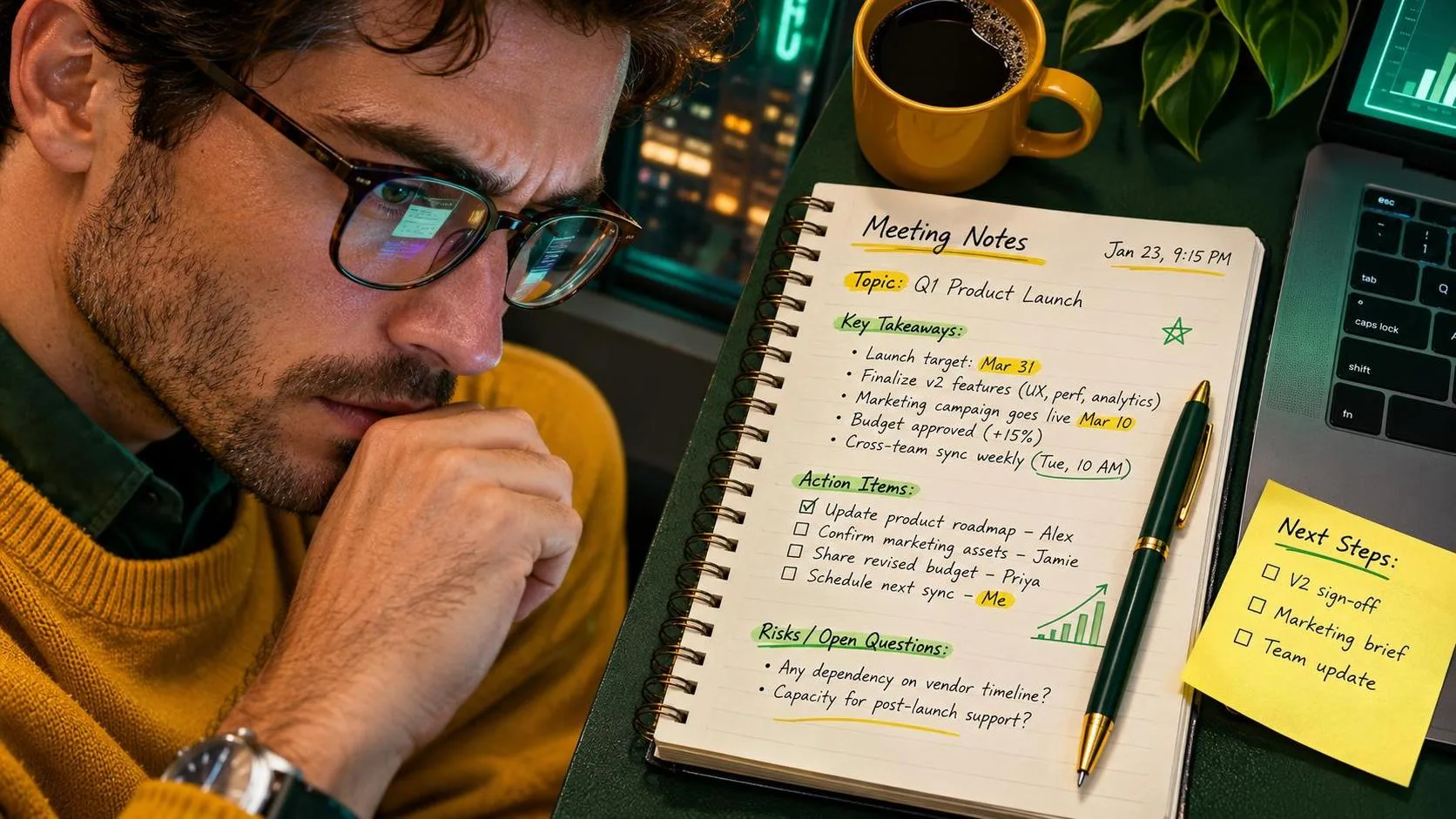
I tested this with rough meeting notes from a volunteer project. The first result invented a connection between two bullet points because the notes were vague. The revised prompt told it to label uncertainty, and the second result was much safer. ChatGPT students can use the same approach for lecture notes: ask the tool to preserve uncertainty rather than fill every blank with confident prose.
A useful follow-up is to request a one-page review sheet, then compare it with the actual class materials. If a date, formula, definition, or quotation matters, verify it against the assigned textbook or the instructor’s notes. ChatGPT suggested this is not the same as proving it is correct.
Turn confusing explanations into practice
When a chapter feels difficult, asking for another summary may not solve the problem. I get better results by asking for three explanations at different levels, followed by examples and questions.
For example:
“Explain opportunity cost in plain language, then explain it using a family budget example, then give me three scenarios where I choose the opportunity cost. Do not reveal the answers until I respond.”
This format helps ChatGPT students notice whether they understand a term or merely recognize it on a page. A student can also request a comparison between two ideas: “Show how mitosis and meiosis are alike and different, then give me a sorting exercise.” The important step is responding before checking the explanation.
The tool is particularly useful for generating variations. If the first algebra problem is too easy, ask for a similar problem with different numbers. If the history questions focus only on dates, request questions about causes, consequences, and competing interpretations. Those prompts create active practice instead of another attractive block of text.
Still, mathematical and scientific answers require checking. ChatGPT can make an arithmetic error, misread a diagram, or use a formula incorrectly. Work through at least one example yourself, and use a calculator, class resource, or teacher when the result affects a grade.

Drafting help without submitting machine-written work
Writing support is where boundaries matter most. ChatGPT can help a student understand an assignment, build an outline, improve a vague thesis, or spot repetition. It should not be treated as a hidden ghostwriter, especially when a course prohibits generated text.
I use a three-step editing prompt:
“Read this paragraph as a writing tutor. First, identify the main claim in one sentence. Second, point out two places where the reasoning is unclear. Third, suggest questions I should answer to improve it. Do not rewrite the paragraph.”
That keeps the student responsible for the ideas and wording. A later prompt can ask for grammar errors grouped by type, such as sentence fragments, unclear pronouns, or comma problems. The student makes the edits and decides which suggestions fit the intended meaning.
ChatGPT students should read their school’s academic-integrity policy before using any tool. Some instructors allow brainstorming but not generated prose. Others require disclosure or prohibit AI assistance altogether. A polished paragraph is not worth an honor-code problem, and it is not useful if the student cannot explain the argument afterward.
Protect personal and school information
Do not paste a full name, student ID, home address, private messages, medical details, accommodation records, or confidential teacher comments into a public AI chat. Remove names and replace them with labels such as “Student A” or “Classmate B.” Parents should be equally careful with children’s grades, behavior reports, and school schedules.
Before sending notes, ask what the tool actually needs. For an editing exercise, it may need the paragraph but not the student’s name or school. For a scheduling problem, it may need “two evening activities” rather than exact locations. Privacy is not an advanced technical topic; it is simply reducing unnecessary details.
Also check whether the account is school-managed and what rules apply to stored conversations. ChatGPT students can build good habits by keeping a local copy of original work, labeling generated suggestions, and deleting sensitive drafts from places where they do not belong.
A simple weekly routine that works
Here is the routine I would hand to a student who wants a starting point:
- Gather the real materials: assignment sheet, class notes, textbook sections, and deadline.
- Ask ChatGPT to identify confusing terms or missing steps, not to complete the assignment.
- Use a quiz prompt and answer without looking at the response.
- Verify important facts, calculations, quotations, and citations using course sources.
- Draft in the student’s own words.
- Use the tool as a tutor or editor only if the class rules allow it.
- Save a short list of mistakes to review before the next class.
This took me roughly 25 minutes to test with a sample topic. The biggest benefit was not faster writing. It was seeing exactly which parts I could not explain without help. That is a much more honest measure of learning.
What good use looks like
The best ChatGPT students remain in charge of the work. They bring the question, test the explanation, challenge suspicious answers, and make the final decisions. They use the tool to turn a blank page into a starting structure, not to erase the need for reading, practice, or judgment.
If you are a parent helping with homework, ask the child to explain the answer before celebrating a polished result. If you are a student, keep the original notes and show your reasoning. Useful beats impressive. Start with one small task this week, such as generating five practice questions, and measure whether it actually saves time or improves recall.