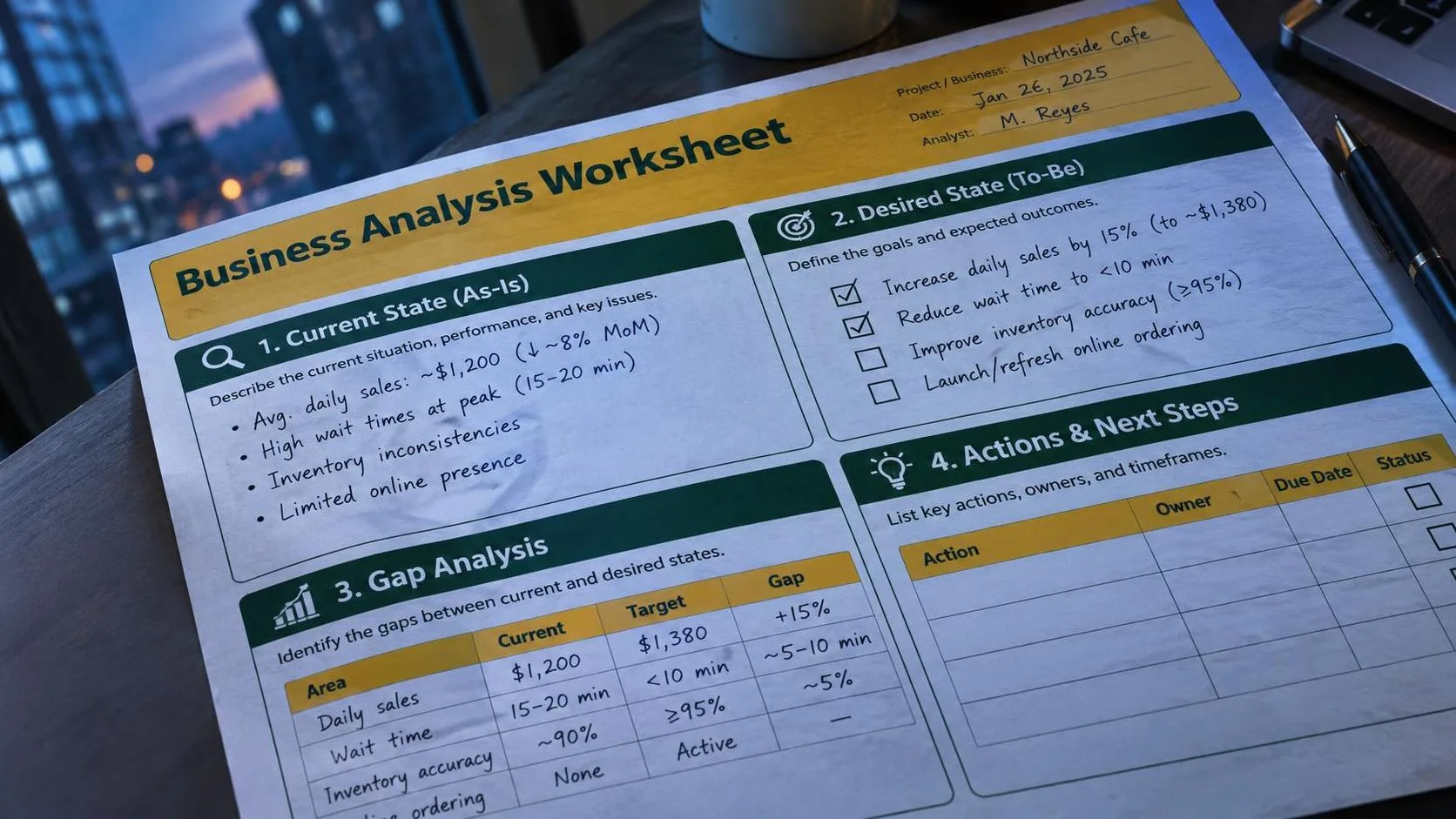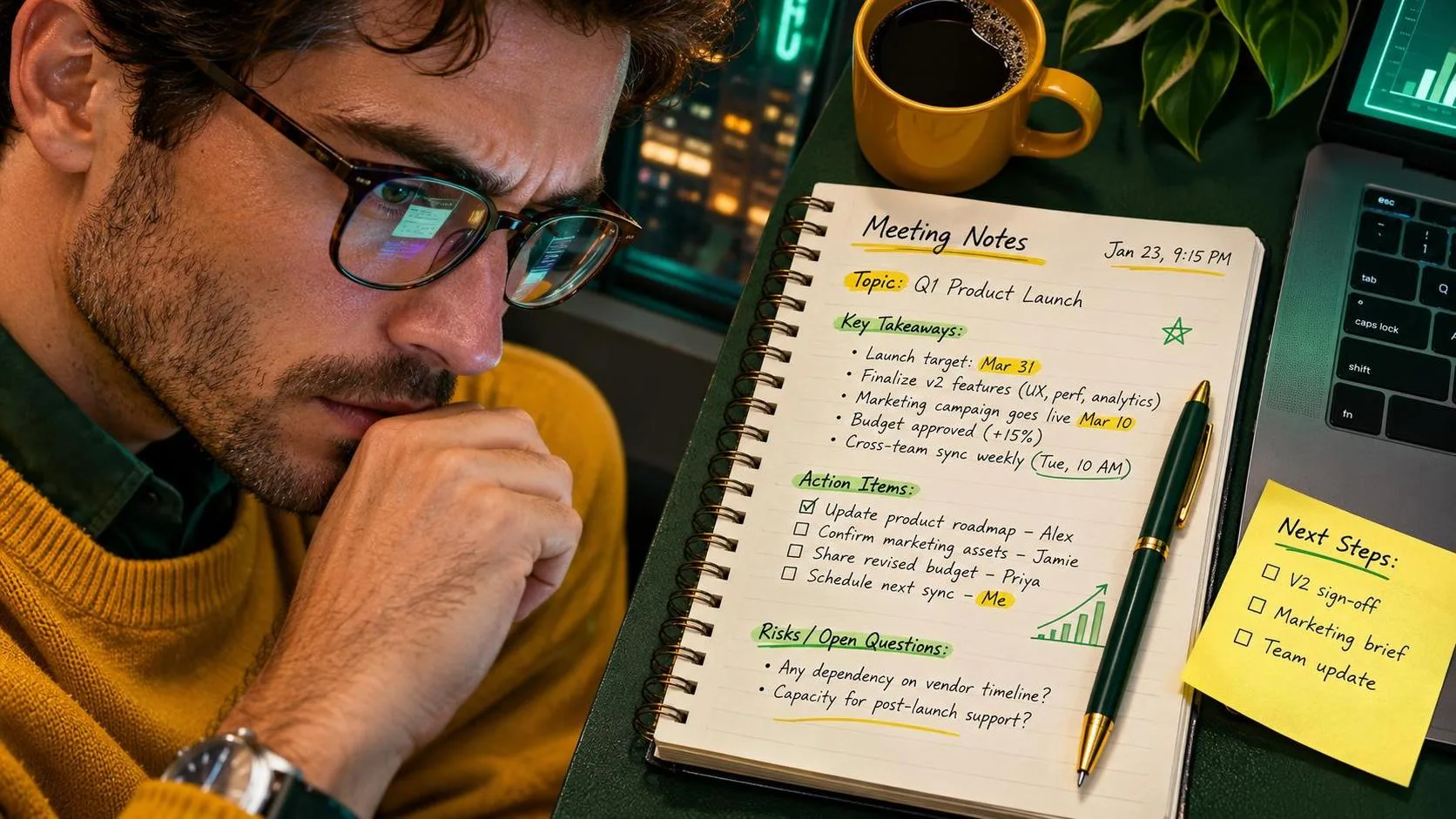
An ai assistant for productivity is most useful when it handles the first draft, sorting, or boring preparation—not when it pretends to run your life. I use these tools for meeting notes, difficult emails, recurring reports, checklists, and family planning. The useful part is not the flashy answer. It is getting from a pile of messy information to a workable next step with fewer blank-screen minutes.
How to choose an ai assistant for productivity
The best choice depends on where your work already lives. ChatGPT is a flexible starting point for rewriting, summarizing, brainstorming, and turning rough notes into a plan. It suits someone who wants one general-purpose conversation space and does not mind copying information into it carefully.
Microsoft Copilot makes more sense for a workplace built around Microsoft 365, especially when your organization has approved the right version and settings. Its value is the connection to familiar tools, but that connection also means you should confirm exactly what your employer allows it to access.
Google Gemini is a reasonable fit for people who spend their day in Google Workspace. It can be useful for drafting and organizing work around Gmail and Docs when those features are available to your account. Notion AI suits a team that already keeps project notes, meeting pages, and task lists in Notion. I would not move an entire team into a new app just because its demo looked clever.
For an ai assistant for productivity, I would judge the tool by four questions: Does it fit your existing work? Can you control what information it sees? Does it produce editable output? Can you check its answer quickly? A tool that saves five minutes but creates a twenty-minute fact-checking job is not saving time.

Start with one repeated task. Email cleanup is a good candidate because the input and desired output are easy to describe. Paste a sanitized message or a fictional version and use a prompt like this:
"Rewrite this email for a busy coworker. Keep the meaning, remove unnecessary apology, put the requested action in the first two sentences, and end with a clear deadline. Do not invent facts. Give me one concise version and one warmer version."
That prompt gives the assistant a job, an audience, boundaries, and a format. It also tells the tool not to fill gaps with made-up details. I still read the result before sending it. AI tends to make ordinary workplace messages sound polished while quietly changing who promised what or when something is due.
Build an ai assistant for productivity workflow that survives Monday
The workflow I trust has five steps: collect, clean, prompt, inspect, and finish. First, collect the actual material in one place. That might be rough meeting notes, a list of open requests, or several email threads. Second, remove names, customer details, account numbers, health information, passwords, and anything covered by a workplace confidentiality rule.
Third, explain the task in plain language. Instead of asking, "What should I do with this?" write, "Group these notes by project, identify decisions, list unanswered questions, and create follow-up actions with an owner only when the notes clearly name one." Specific instructions reduce the amount of cleanup afterward.
Fourth, inspect the result against the original material. I look for invented owners, missing deadlines, confident claims with no support, and summaries that mistake a discussion for a decision. Fifth, finish the task myself: send the email, update the approved project tracker, or ask a real person about the unanswered question.
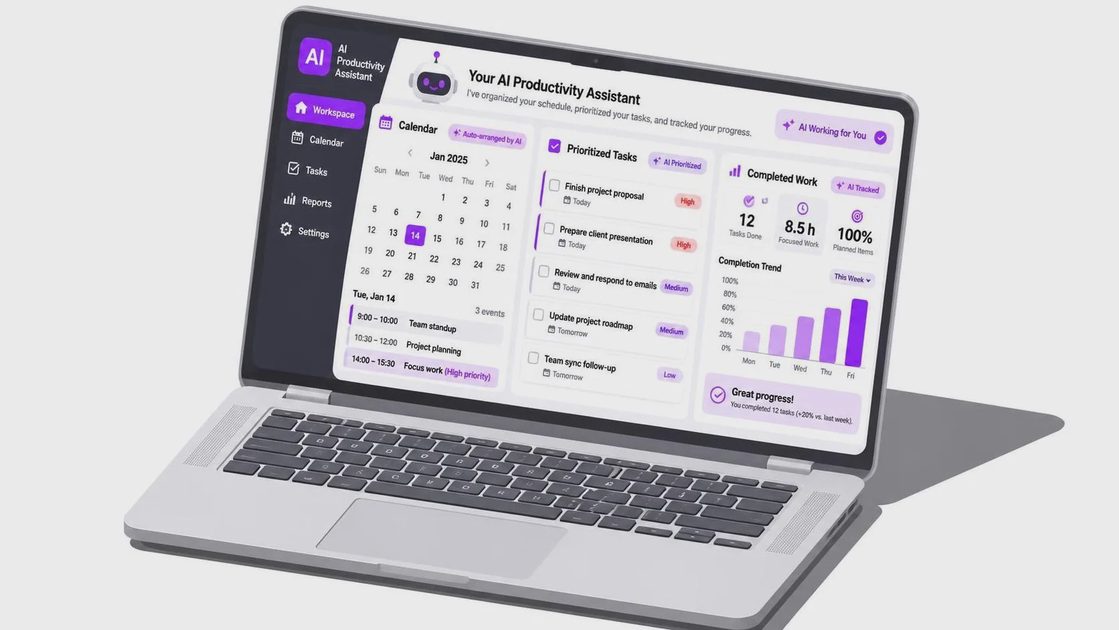
An ai assistant for productivity can also handle a weekly planning pass. Give it a list of appointments, unfinished tasks, fixed deadlines, and estimated effort. Ask it to arrange a realistic sequence, identify conflicts, and mark anything that needs a human decision. Do not ask it to access a private calendar unless your account and organization have explicitly approved that connection.
Here is a small example from an operations desk. The input might say: "Vendor call Tuesday, inventory report due Wednesday, three unanswered shipping questions, prepare Friday status note." The useful output is not a motivational speech. It is a sequence such as: resolve the shipping questions first, reserve a block for the report, capture the vendor call's decisions immediately, and draft the status note from verified updates. I would still adjust the order for actual urgency and interruptions.
Where these tools fail
The biggest failure is treating a fluent answer as a verified answer. An assistant may summarize an ambiguous note as if it were final, create a citation that sounds real, or recommend a schedule that ignores the time required for approvals. It can also over-compress a sensitive conversation until an important qualification disappears.
Use the tool for transformation more than authority. It is good at changing notes into a table, a long explanation into plain language, or a rough outline into a first draft. It is not the person who knows whether a shipment actually arrived, whether a policy is still active, or whether a medical or financial decision is safe.
Privacy deserves a simple rule: if you would not paste the information into a public website, do not paste it into an unapproved assistant. Replace real names with roles, remove identifying numbers, and use a fictional sample when you are learning. Workplace plans, customer records, personnel information, and healthcare details need extra caution. Check your employer's approved-tool policy rather than assuming a paid account makes every use acceptable.
I also avoid using these tools for tasks where a wrong answer creates hidden damage. That includes final legal language, payroll decisions, medical guidance, security credentials, and anything that changes a customer record without review. The assistant can prepare questions or a checklist, but a qualified human should make the consequential call.
A simple test before you commit
Give one tool three ordinary tasks over a week: rewrite an email, summarize a meeting, and organize a messy task list. Record the starting material, the prompt, how much editing was needed, and the minutes saved. If the output needs repeated correction, improve the instructions before blaming the tool. If it still fails, use a normal template or spreadsheet instead.
The right ai assistant for productivity should make a recurring task less tiring without making you nervous about what it changed. Start with low-risk work, keep the original material nearby, and verify every important claim. No magic. Just a workflow that survived Monday—and useful beats impressive every time.