The first time I used chat chatgpt, I gave it a difficult work email and asked for something less stiff and less likely to start an argument. The result was not perfect, but it gave me a usable draft in about 30 seconds. After a few edits, I sent the message and moved on. That small win was more useful than any flashy demonstration.
I am not a programmer or an artificial intelligence consultant. I am an operations and project-support coordinator who deals with meeting notes, follow-up emails, recurring reports, and the occasional spreadsheet that looks like it was designed during a power outage. Here is how I use chat chatgpt in ordinary situations, including where it failed and what information I keep out of the conversation.
Start with a specific job, not a vague question
ChatGPT works better when you describe the task, audience, tone, and limits. “Write an email” is weak because it leaves too many decisions open. A stronger prompt looks like this:
“Rewrite this email for a vendor. Keep the tone friendly but direct. Explain that the shipment is two days late, ask for a confirmed delivery date, and keep it under 120 words. Do not promise a discount.”
That prompt gives the tool a role, a goal, a style, and a boundary. I tried it at my desk so you do not have to, and the first draft needed only a few changes. It softened one sentence too much, so I changed “please clarify” to “please confirm.” That edit took less than a minute.
The same structure works for a report, a parent-teacher message, or a list of errands. Tell chat chatgpt what you are trying to finish, who will read the result, and what must not change. If you want bullets, request bullets. If you want plain English, say so. Useful beats impressive.

A meeting-summary workflow that saves real time
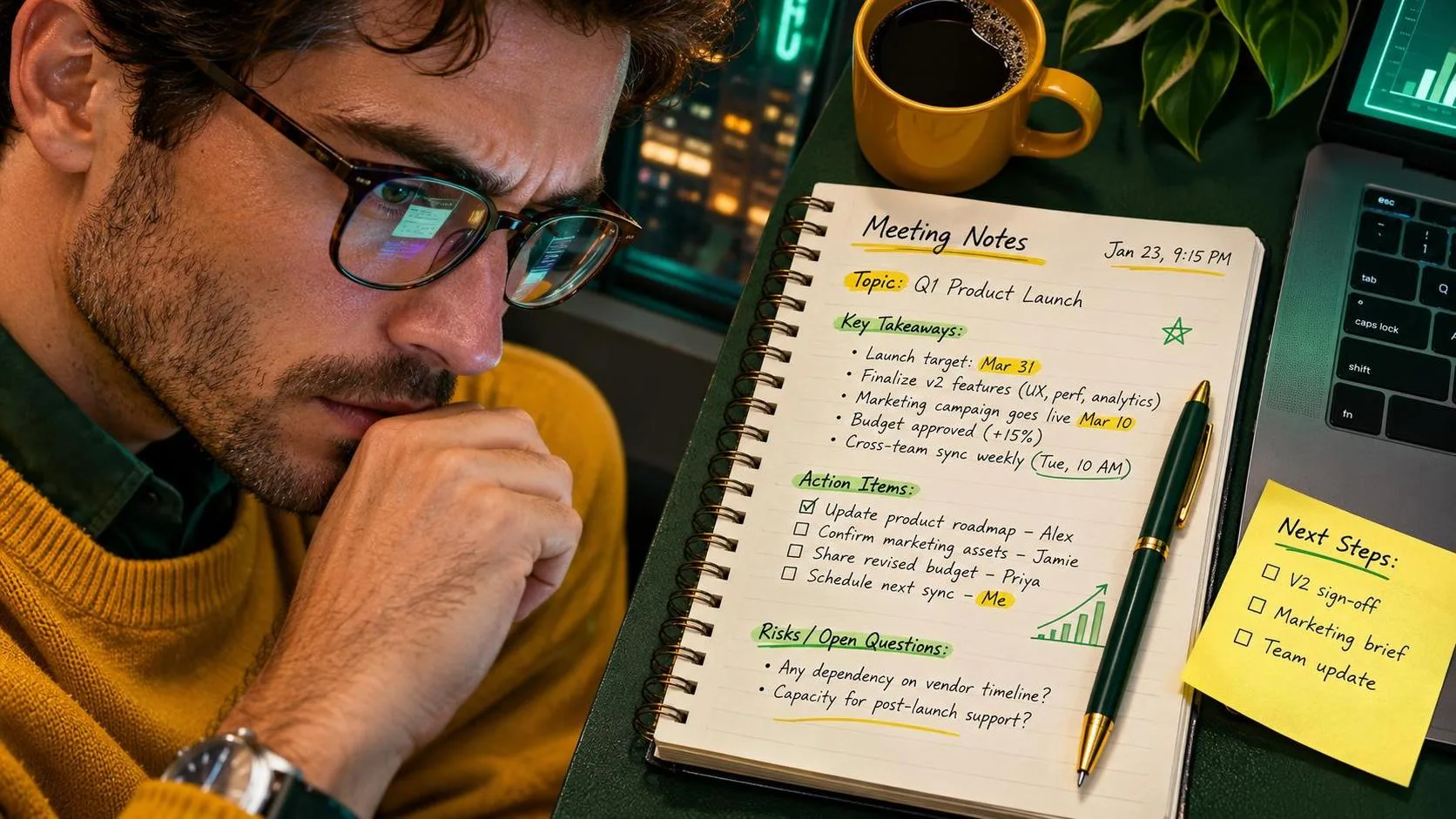
Meeting summaries are one of my most dependable uses for chat chatgpt. I start with notes that contain fragments such as “shipping delay,” “Jordan to check inventory,” and “Friday call with carrier.” I remove names when they are not necessary, then paste the cleaned notes with this instruction:
“Turn these notes into a concise summary with four sections: decisions, open questions, assigned actions, and deadlines. Do not invent information. Mark anything unclear as ‘needs confirmation.’ Keep the tone neutral.”
The output is not a legal record, and I do not treat it like one. I compare every date, owner, and commitment with my notes. Still, a messy page that used to take 20 minutes to organize usually takes about five minutes now. The biggest benefit is consistency: people can quickly see what was decided and what still needs attention.
When the notes are incomplete, chat chatgpt sometimes turns a suggestion into a decision. That is why the phrase “do not invent information” matters, although it is not a guarantee. I also ask it to list uncertain points separately instead of smoothing them over.
Protect work and family information
Do not paste confidential company data into a public AI conversation unless your employer has approved that tool and its settings. Remove customer names, account numbers, contract prices, passwords, internal project codes, medical details, and anything covered by a workplace privacy policy. Replace them with labels such as [CUSTOMER] or [PROJECT].
For home planning, I might write “school pickup at 3:15” rather than include a child’s full name, classroom, or address. I do not paste medical records, insurance policy numbers, or private messages from other people. chat chatgpt can organize sanitized information just as well in many cases.
A simple test helps: if you would not leave the information on a shared office printer, do not put it into a tool you have not reviewed. Privacy is not an exciting feature, but it is the part of an AI workflow that can create the biggest headache later.
Use it for recurring reports and checklists
Recurring work is where chat chatgpt becomes more useful than a one-time clever prompt. Each Friday, I can provide a short set of updates and ask for a report in the same format:
“Create a weekly operations update using these headings: completed, delayed, risks, next steps. Use short paragraphs. Separate confirmed facts from items awaiting an answer. Do not add causes that are not in the notes.”
I still verify the numbers and rewrite anything that sounds too certain. The tool is good at arranging information, not at knowing whether a shipment count is correct. That distinction keeps the workflow safe.
For a household version, I tested a Saturday planning prompt with meals, errands, and a two-hour garage project. It produced an ambitious schedule that assumed nobody would need a bathroom break or lose a shoe. I cut it down, added travel time, and kept only three priorities. The final plan saved perhaps 15 minutes of family discussion, which is not dramatic, but on a busy weekend it felt like finding an empty parking space.

What chat chatgpt gets wrong
The most common mistake is accepting a confident answer without checking it. chat chatgpt may misunderstand a short note, calculate incorrectly, invent a source, or recommend a step that does not fit your situation. It can also write polished nonsense, which is more dangerous than obvious nonsense because it looks finished.
For important work, use a two-pass process. First ask for a draft or organized summary. Then ask, “List every claim, date, number, and assumption that should be verified.” Review that list yourself. For calculations, use a spreadsheet or calculator. For current policies, deadlines, laws, medical guidance, or financial decisions, consult an appropriate authoritative source.
I also avoid asking it to make decisions that belong to a manager, doctor, teacher, or parent. It can prepare questions and compare options, but responsibility stays with a person who understands the situation.
A five-minute prompt routine
When I am stuck, I use this sequence:
State the task in one sentence.
Add the audience and desired tone.
Provide only the information needed for the task.
Set a length, format, or deadline requirement.
Ask for unclear assumptions to be identified.
Review the result against the original facts.
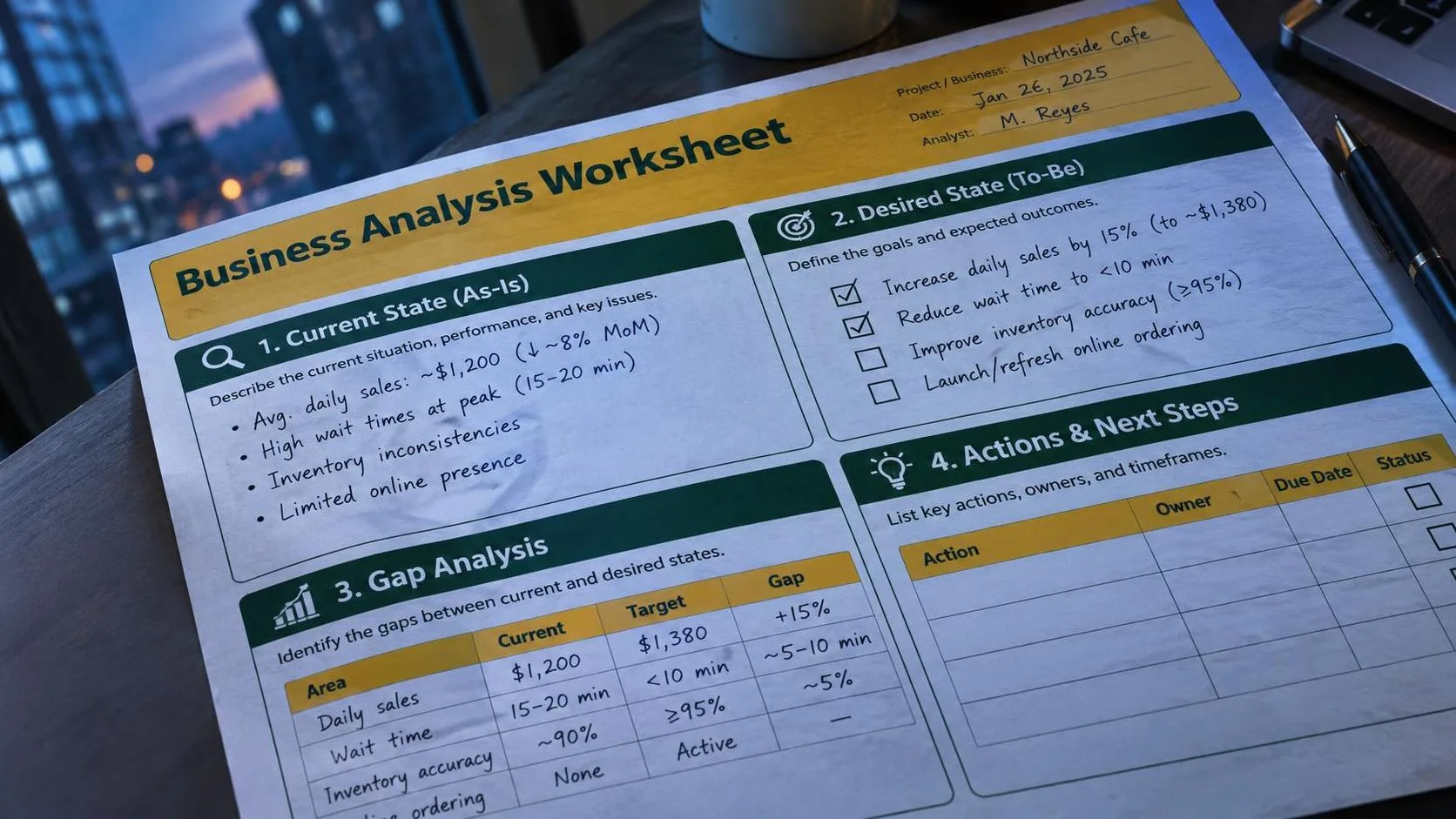
For example: “Organize these project notes into an action list for my team. Use columns for task, owner, due date, and status. Do not guess missing details; mark them unknown.” That is much more reliable than typing “make this better.”
The goal is not to have chat chatgpt do every part of your job. The goal is to remove repetitive arranging, drafting, and formatting so you can spend more attention on judgment. No magic. Just a workflow that survived Monday. If it saves time, I will show you how much, and if it creates extra checking, I will say that too.